Canceling a fax
You can cancel fax transmission at any time. The Apple
Telecom Status panel is the only place from which you can
cancel a fax.
To cancel a fax
1 Confirm the progress of the call in the Telecom Status panel.
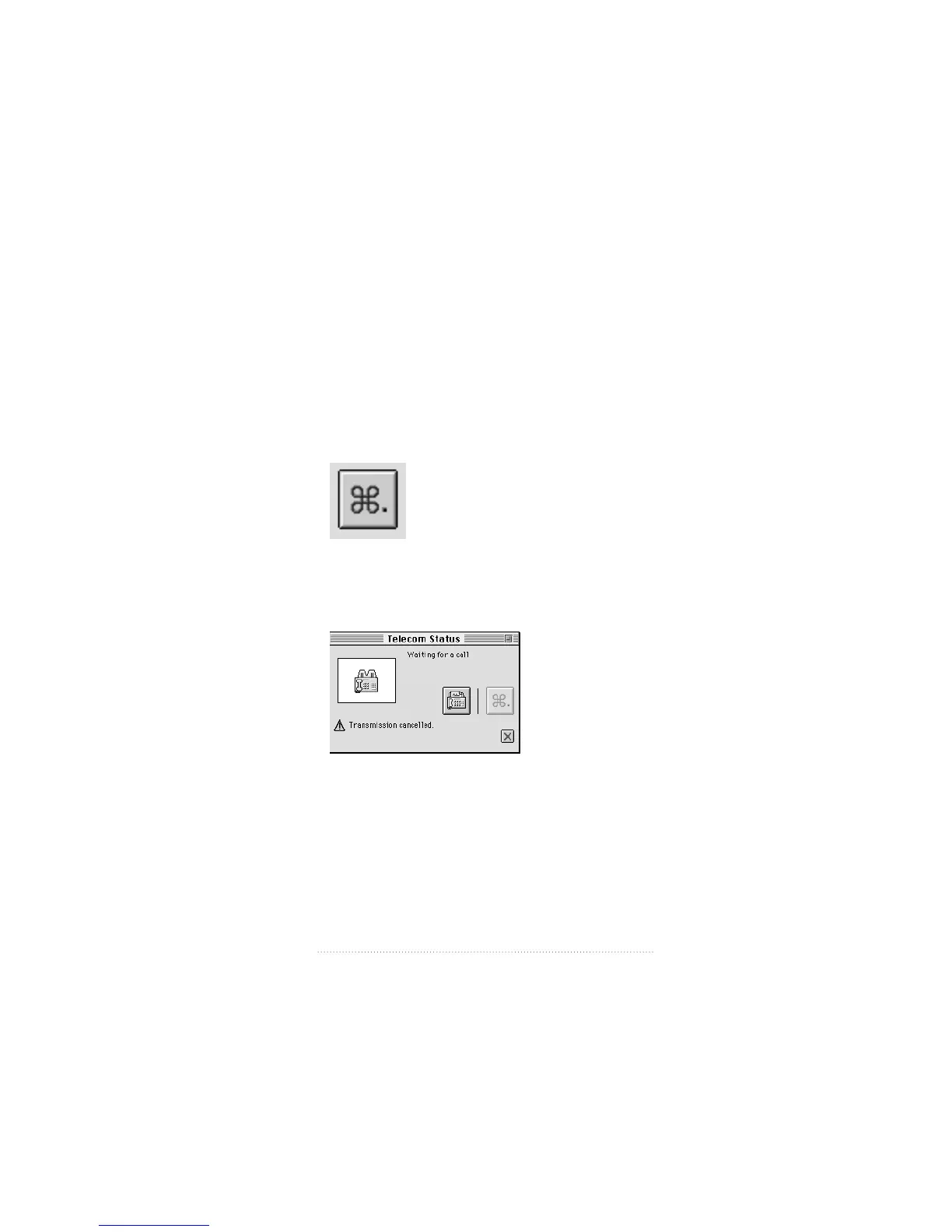
2 Click the Cancel button.
The call is canceled. The Apple Fax window displays a status
of “Transmission canceled” for any intended recipients.
The Telecom Status display reads
3 Click the cross icon to clear the message.
35
Using Apple Telecom Status



 To Next Page