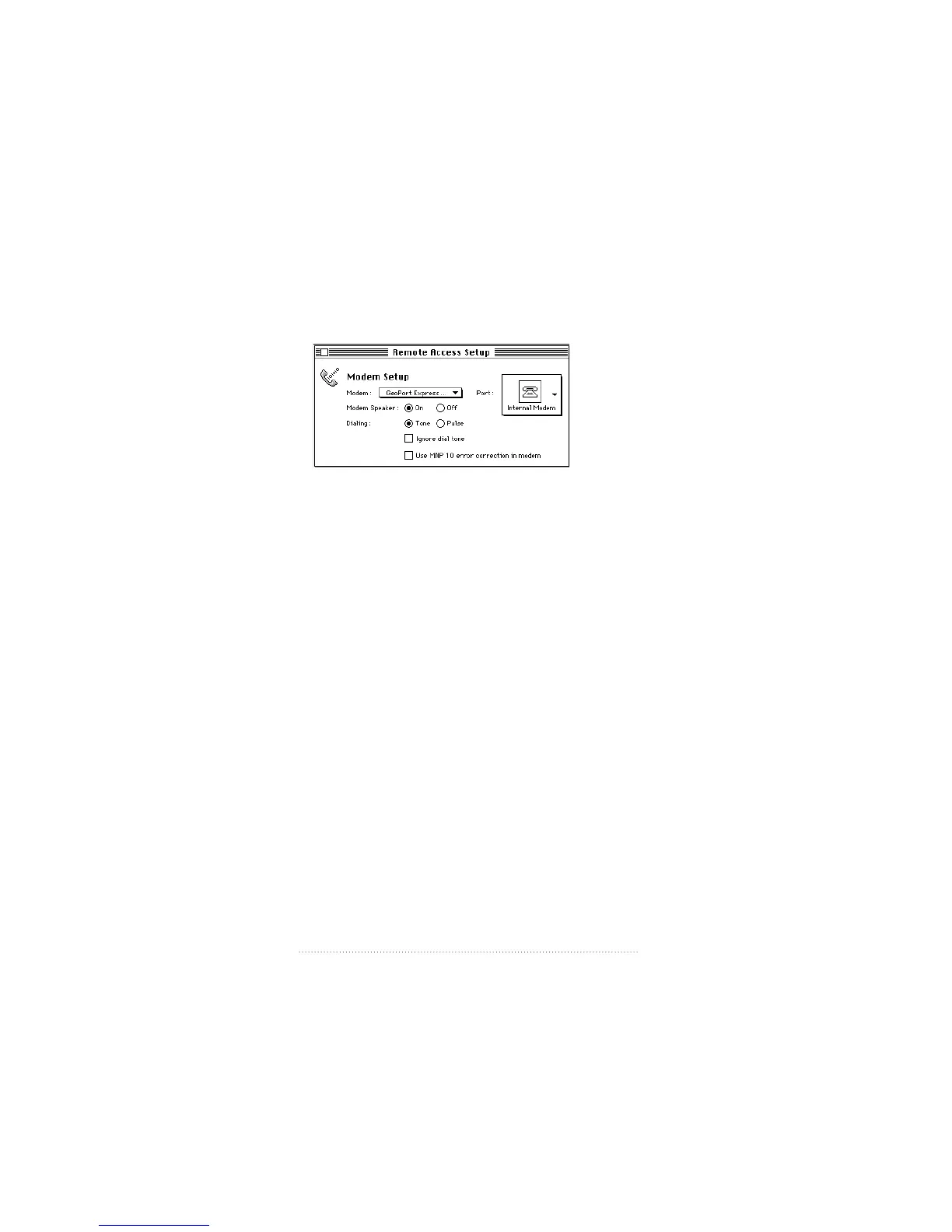
5 Select the icon from the Port pop-up menu that corresponds
to your hardware installation.
m For GeoPort (including GeoPort Internal Modem), choose
Modem Port.
m For Express Modem hardware, choose Internal Modem.
m For Apple Serial Modem hardware, choose Data Port.
6 Close the Remote Access Setup control panel and open the
Apple Remote Access program.
See also: Apple Remote Access User’s Guide for more
information about making a connection using Apple
Remote Access.
68
Appendix B



 To Next Page