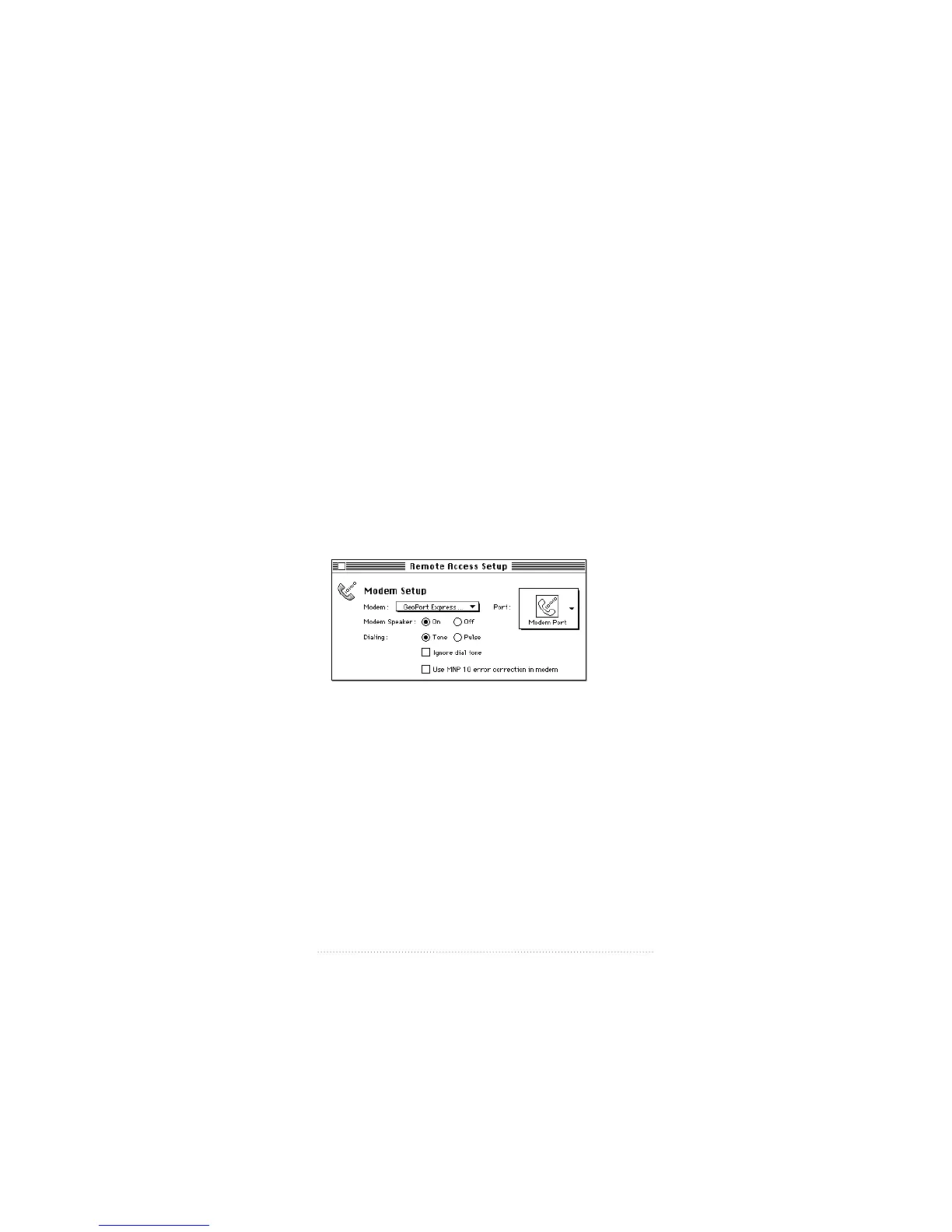
Setting up Apple Remote Access
Your modem installation includes Apple Remote Access
(ARA) CCL files for all supported modems. To use a CCL file
with Apple Remote Access
1 Make sure Apple Remote Access is properly installed.
2 If the CCL files are not in the Extensions folder, drag or copy
them to the Extensions folder.
3 Double-click the Remote Access Setup control panel.
4 Select the CCL file for your modem from the Modem pop-up
menu (the GeoPort/Express Modem file or the Apple Serial
Modem file).
67
Tips and Troubleshooting



 To Next Page