5 Locate the telephone port at the end of the adapter.
6 Plug your telephone into the telephone port.
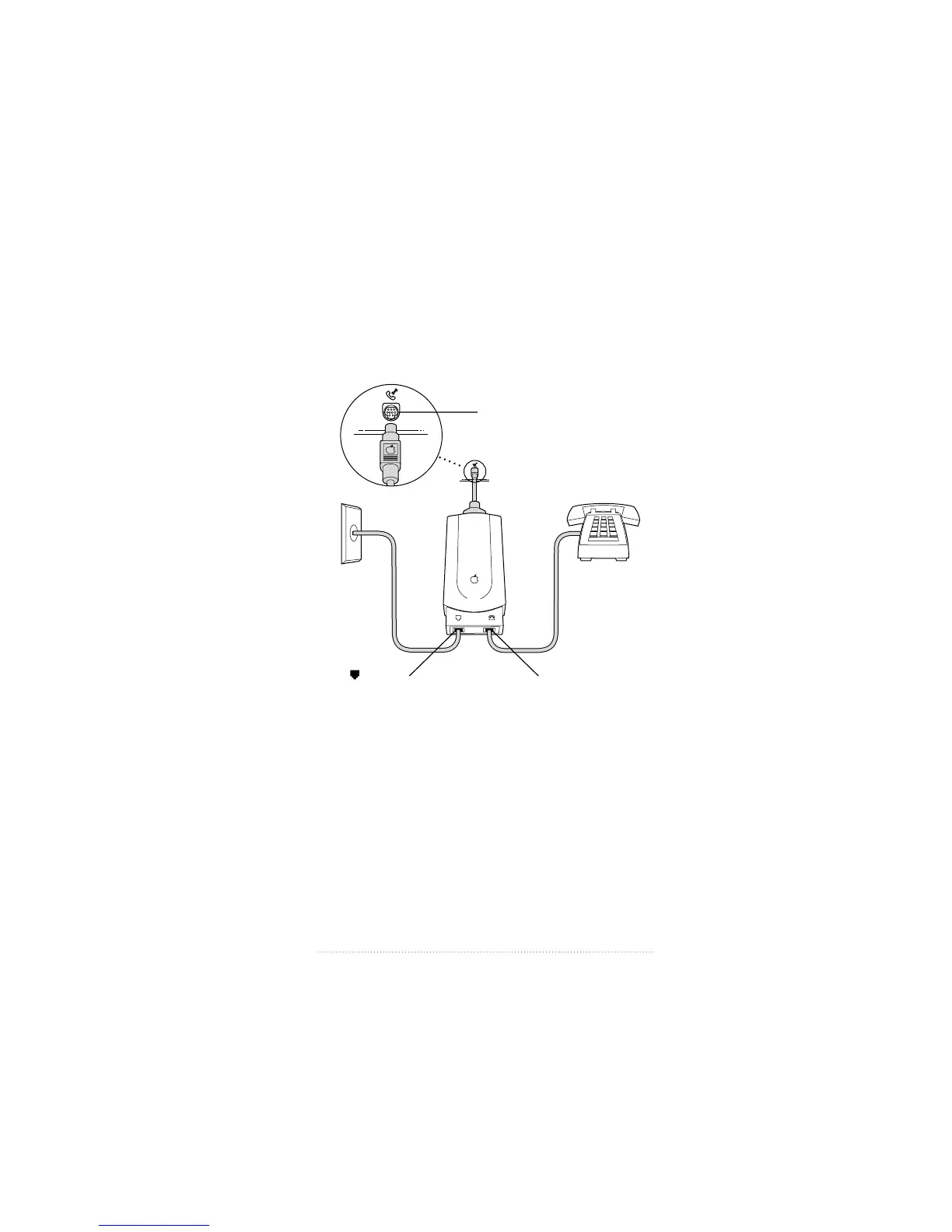
Your installation should look similar to the illustration
below.
Once the adapter is connected to your computer and
telephone line, you are ready to install the software (if it is
not already installed).
See: Chapter 2, “Installing Your Software.”
W
Telephone
wall jack
Telephone
Line port
Q Telephone port
Modem port located on
the back of the computer.
7
Installing Your Hardware



 To Next Page