10 English
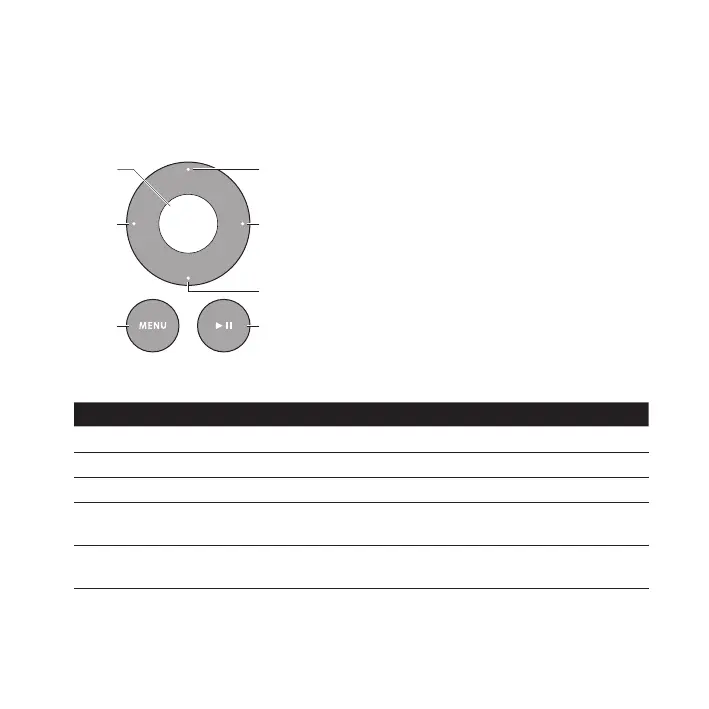
Using the Apple Remote
You can use the included infrared (IR) remote to control playback from your iPod or
iPhone when it’s in the Dock. Make sure there are no obstructions between the remote
and the Dock.
Right
Down
Left
Play/PauseMenu
To use the Apple Remote:
To Do This
Play or pause a song or video
Press Play/Pause (
’
).
Change the volume Press Up or Down.
Skip to the next song Press Right.
Start a song or video over or
play the previous song
Press Left once to start a song or video over. Press Left twice
to play the previous song.
Fast-forward or rewind a song
or video
Press and hold Right or Left.



 To Next Page