12 English
The Apple Remote includes a battery. When needed, you can replace it with a
CR2032 battery.
To replace the battery:
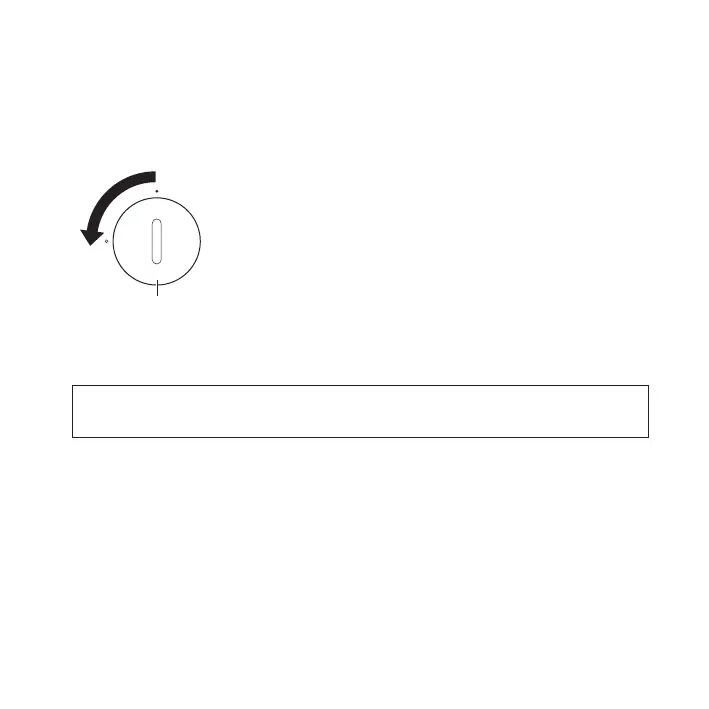
1 Use a coin to remove the battery cover from the back of the remote.
Battery cover
2 Insert a fresh CR2032 battery, with the positive (+) side up.
3 Replace the cover and use a coin to lock it in place.
WARNING: There is a risk of explosion if the battery is replaced with an incorrect type.
Dispose of used batteries according to your local environmental laws and guidelines.



 To Next Page