3English
Important: Never force a connector into a port. If the connector and port don’t join
with reasonable ease, they probably don’t match. Make sure that the connector
matches the port and that you have positioned the connector correctly in relation to
the port.
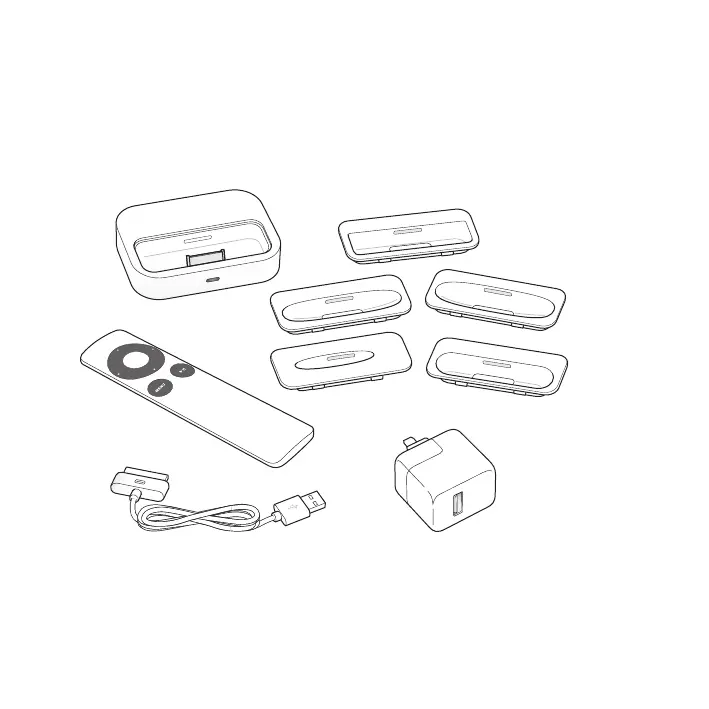
Your Universal Dock includes the following:
Universal Dock
Dock adapters (5)
Apple Remote
Apple Dock Connector to USB Cable Apple USB Power Adapter



 To Next Page