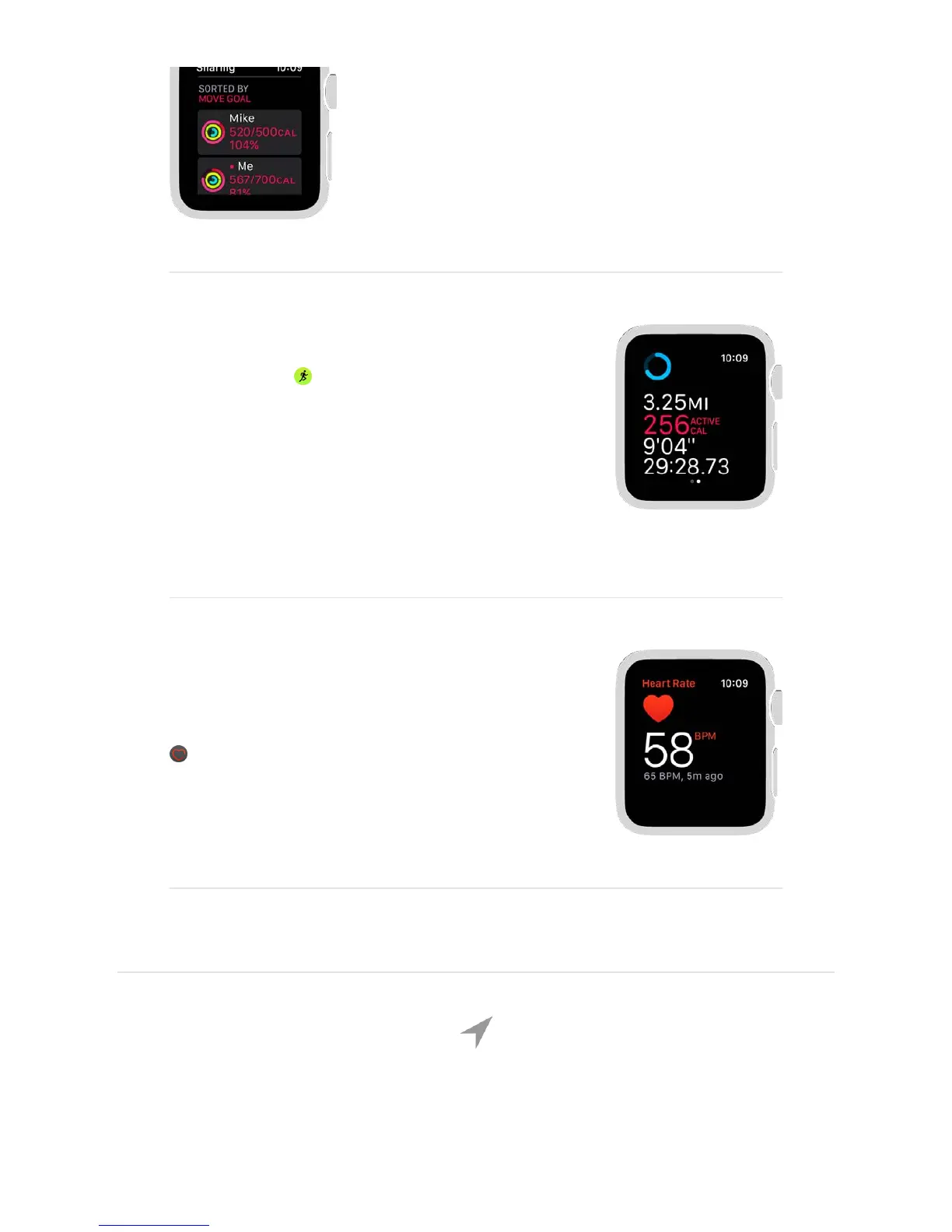
Share your activity with friends so you can stay
on track. To add a friend, open Activity on
iPhone, tap Sharing, then tap +. To see how your
friends are doing, open Activity on Apple Watch,
then swipe left.
63'*3&'&7#*8#43
Open Workout , then tap the type of workout
you want—like a run, walk, or cycle. All your stats
appear on one screen so you can check your
progress in a glance. If you stop to catch your
breath, Apple Watch pauses, too—just turn on
Auto Pause in your Workout settings in the Apple
Watch app.
9#7&+,3%,$%&7'$&3)'3&7#*8#43:
Your heart rate is an important way to monitor
how your body is doing. Open the Heart Rate app
to measure your current heart rate and see
your last reading.
To get started with Activity, see .
Track daily activity


 To Next Page
 Loading...