Apple Watch helps you get organized before your trip, and enjoy it more
when youʼre on the road.
;%&2*%2'*%0
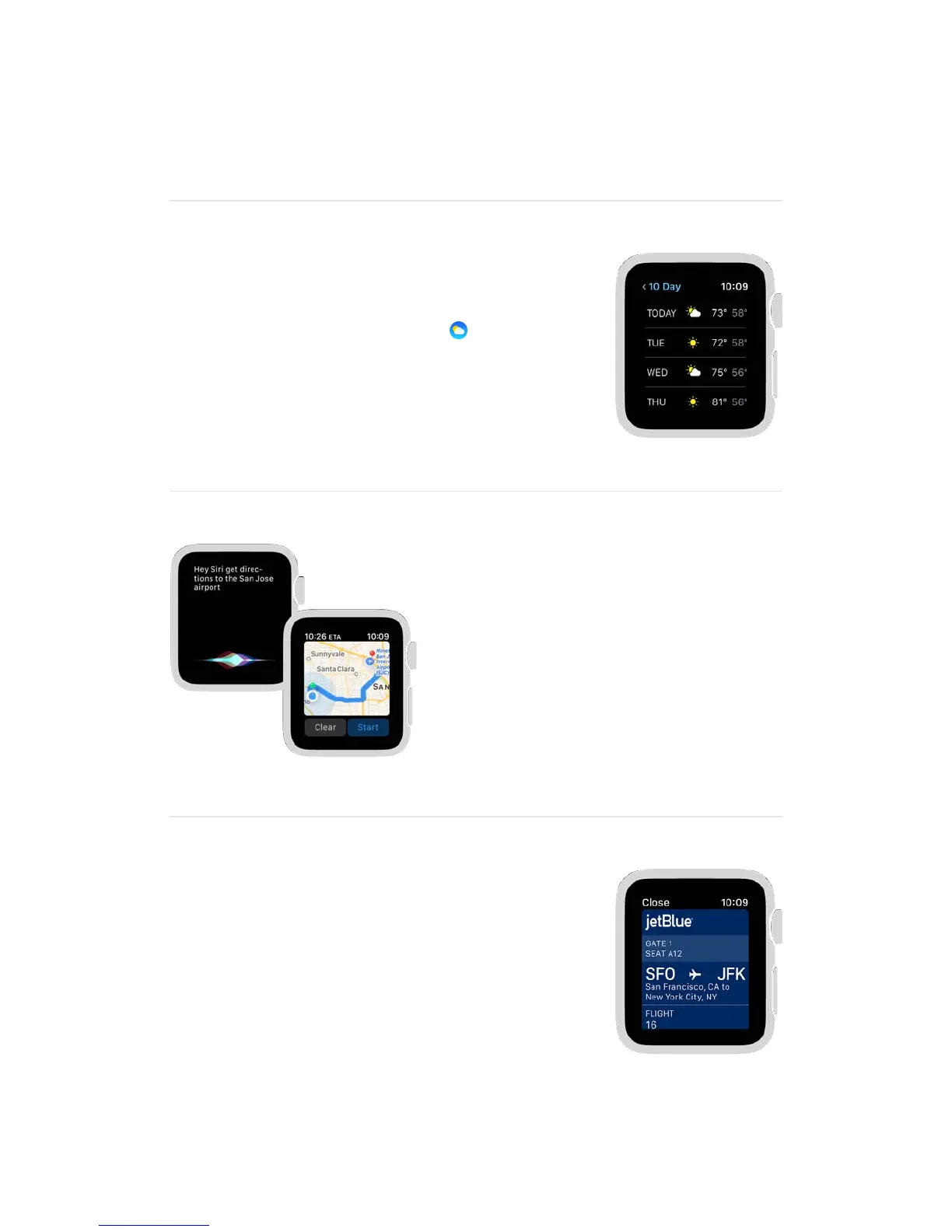
Check the weather before you go so you know
what to pack. In the Weather app , tap a
location, then swipe left to see a 10-day
forecast. Turn the Digital Crown to see more.
<%3&=22"%&>'3()&"%'0&3)%&7'/
Raise your wrist, then say “Hey Siri, get
directions to…” Apple Watch shows you
the way using taps so you know when
to turn. A steady series of taps means
turn right; intermittent taps mean turn
left. And youʼll feel a vibration when
youʼve arrived.
1*'.%"&)',0$?@*%%
Add your ticket or boarding pass to Wallet so you
have one less thing to keep track of while youʼre
traveling. To use a pass, open Wallet, select the
pass, then present it to the scanner.


 To Next Page
 Loading...