8
1.3 Inserting a SD card
Insert the card correctly with the contact pin facing upwards.
1.4 Transfering and Importing Content
1. Connect the reader to PC via the supplied USB cable. Computer will
recognize the device as a removable disk.
2. Perform normal le management operation like other USB device.
1.5 Importing DRM Contents
1. Download the Adobe Digital Editions (ADE) installer from http://www.
adobe.com/products/digitaleditions/#fp.
2. Install ADE on your computer.
3. For rst time user, you are required to register a ADE account.
4. Enter the user name and password to activate your Adobe account, then
connect the Reader to PC.
5. Run ADE to authorize PC and Reader.
6. Download or buy ebooks from online ebook stores.
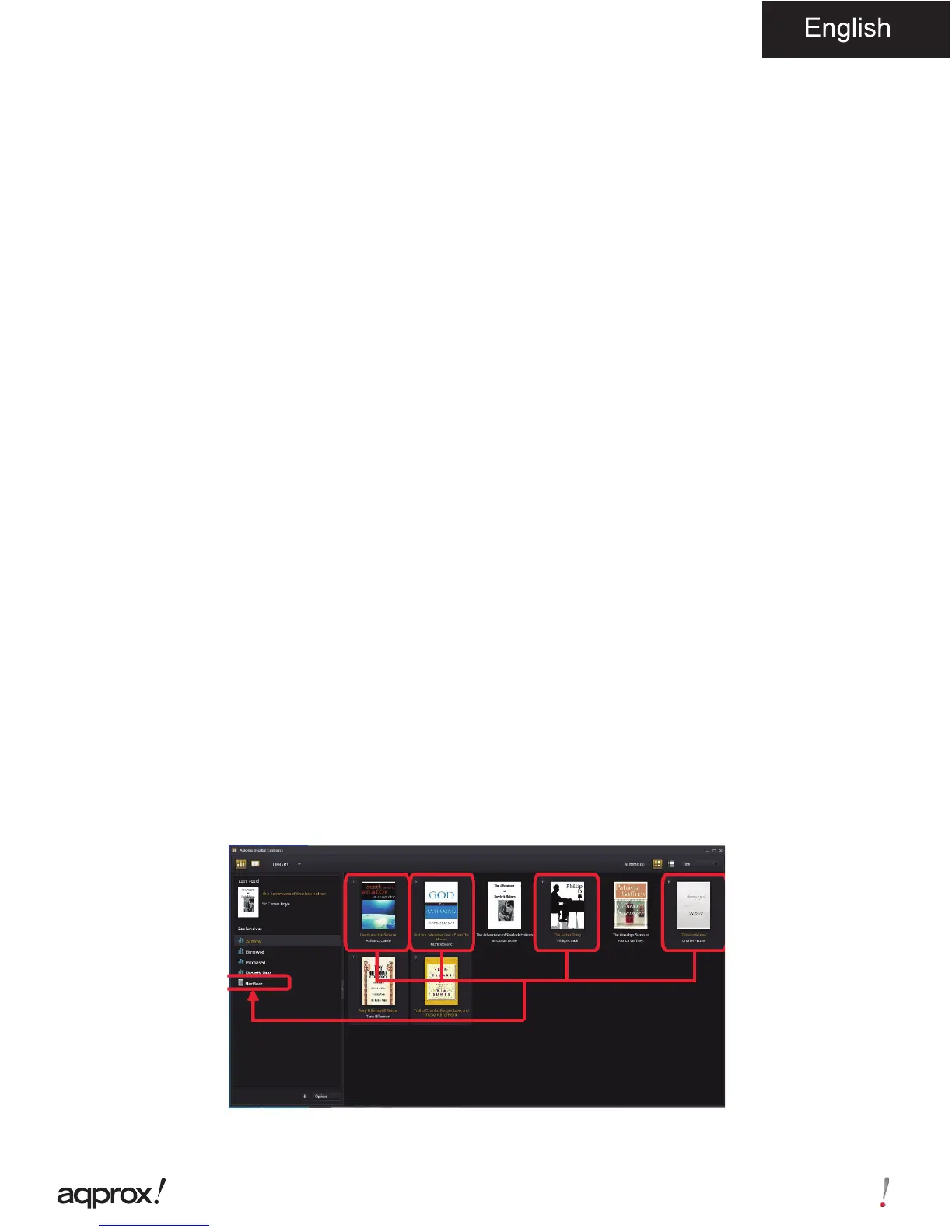
7. Drag and drop the selected item(s) into the Reader’s Drive to transfer DRM
ebooks as illustrated below.



 To Next Page