11
Wireless Con guration
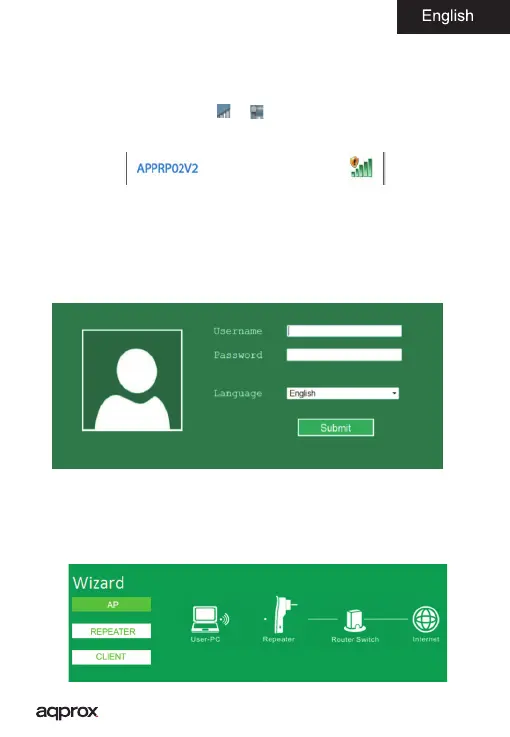
1. Please connect your repeater appRP02V2 into a free electrical outlet in
your home that is within the coverage range of your primary router.
2. Click on the network icon (
or ) at the bottom right of the desktop.
You will see the Wi-Fi signal repeater for the appRP02V2. Click “Connect” and
wait a few seconds
3. Go to your web browser and type in the address bar 192.168.10.1
4. Automatically your browser will ask for a user name and password to
access the repeater settings, please insert in those empty elds the following:
User name: admin Password: approx
5. Once inside your web settings follow steps repeater setup wizard.



 To Next Page