Need help?
Do you have a question about the Aputure amaran 200d S and is the answer not in the manual?
Essential precautions for safe operation, handling, and maintenance of the lighting fixture.
Instructions on accessory usage, warranty coverage, and compliance with country standards.
Details on FCC compliance for digital devices and potential interference in residential installations.
Statement regarding general RF exposure requirements for the device.
Lists all accessories included in the amaran 200d S Standard Kit.
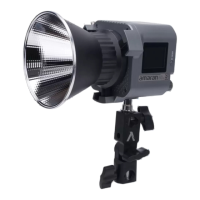
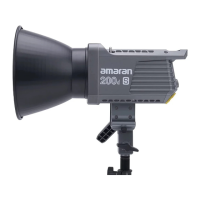
Illustrates the main product components and their labels for identification.
Step-by-step guide for removing and installing the protection cover.
Instructions for attaching and removing the light reflector.
Guidance on mounting and positioning the light on a tripod.
How to install a soft light umbrella using the provided handle.
Procedure for mounting the power adapter using the wire rope.
Information on connecting the AC power supply to the fixture.
How to turn the lighting fixture on and off using the power button.
Adjusting brightness (INT) and color temperature (CCT) using the control knob.
Using the Sidus Link app for 8 different lighting effects.
Steps to reset the Bluetooth connection and the LCD indicators during the process.
Information on updating the firmware via the Sidus Link app (OTA).
Guide to downloading and using the Sidus Link app for enhanced functionality.
Detailed technical parameters of the amaran 200d S, including power, CCT, CRI, etc.
Luminance measurements (lux) at different distances with and without the hyper reflector.
 General
| Light Source | LED |
|---|---|
| Wattage | 200W |
| Color Temperature | 5600K |
| Power Consumption | 200W |
| Cooling Method | Active Cooling |
| Dimming | 0-100% |
| Mount | Bowens Mount |
| CRI (Color Rendering Index) | ≥95 |
| Beam Angle | 120° |
| Operating Voltage | 100-240V AC |
| Control Methods | App Control |

 To Next Page