-17-
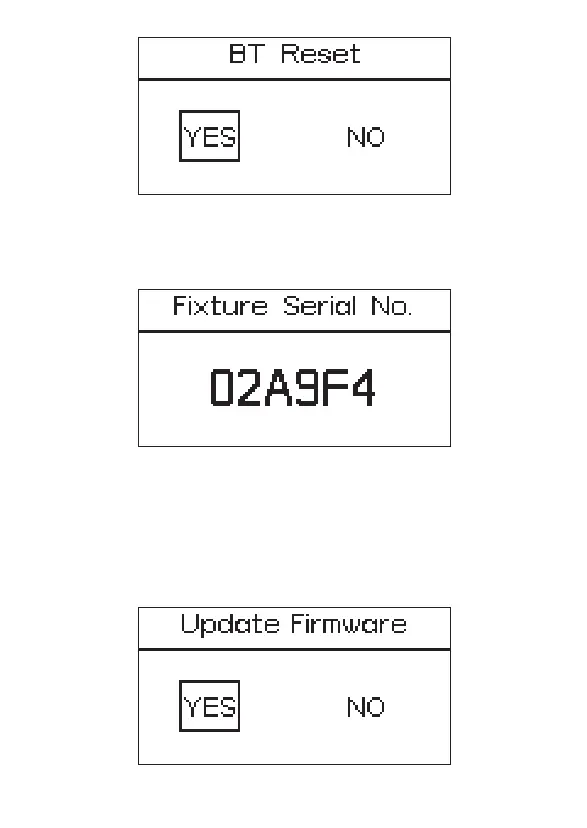
2.3.5 Fixture Serial No.
Press the MENU button to enter the system menu, rotate the INT control knob
to select "Fixture Serial No." and you can see that device has a unique serial
number.
2.3.6 Update Firmware
Press the MENU button to enter the system menu, rotate the INT control knob
to select Update Firmware. Press the INT control knob again to enter the
Update Firmware. rotate the INT control knob to select "YES" or "NO". If a USB
flash drive containing a firmware update is mounted in the USB port, the
screen will display an update progress bar; If you choose “NO”, then it will
return the menu interface.


 To Next Page