-16-
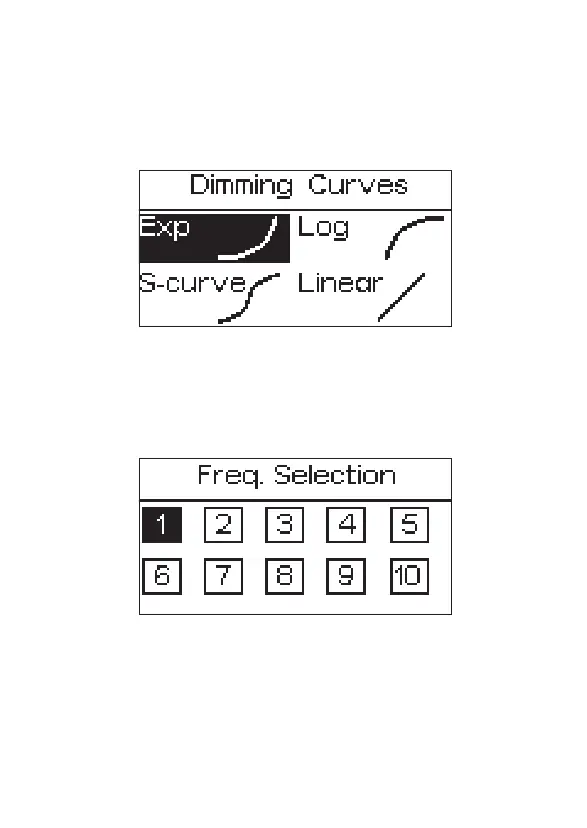
2.3.3 Freq. Selection
Press the MENU button to enter the system menu, rotate the INT control knob
to select Freq. Selection, and press the INT knob again to enter the Freq.
Selection, rotate the INT control knob to get frequency between 1 to 10. and
press the INT control knob to return the previous menu.
2.3.4 Bluetooth Reset
Press the MENU button to enter the system menu, rotate the INT control knob
to select BT Reset. Press the INT control knob again to enter the BT Reset. Use
the knob to select "YES" to reset the Bluetooth pairing; If you choose “NO”,
then it will return to the previous menu.
2.3.2 Dimming curve mode
Press the MENU button to enter the system menu, rotate the INT control
knob to select Dimming Curve, and press the INT knob again to enter the
dimming curve. rotate the INT control knob to choose from exponential
(Exp), logarithmic (Log), S-Curve, or linear dimming curves, and press the INT
control knob to make your choice.


 To Next Page