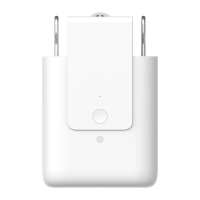
08
Opening Distance Settings
To ensure proper use of the product, the range should be set for the
product aer the product is installed.
Single-Sided Curtains
1.Aer the device is connected to the Aqara Home app, the opening
distance of the device can be configured on the app. Click the device
card on the Home page of the app and set the stroke as instructed on the
main page of the device.
2.Also, the opening distance of the device can be set by pressing the
setting button when the device is not connected to the Aqara Home app.
Detailed operations are as follows:
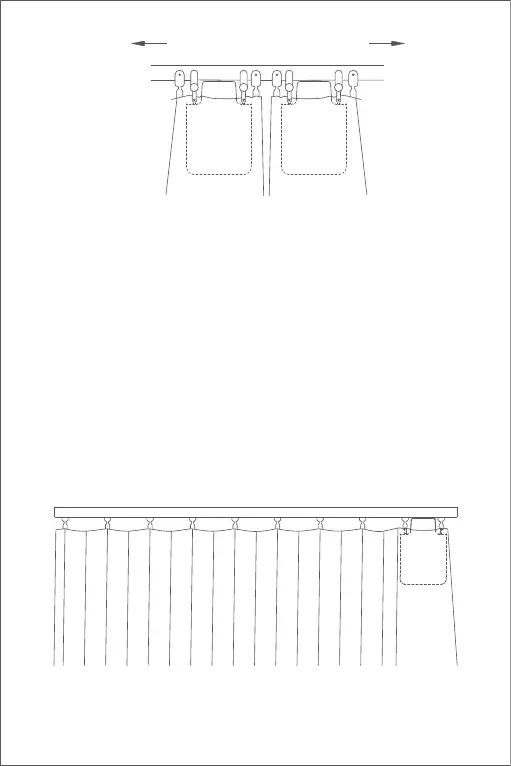
A) Pull the curtain until it is completely closed, and install the Curtain
Driver on the rail according to the installation method for the "single-sid-
ed curtains".
Opening direction of curtains
I-rail


 To Next Page
 Loading...