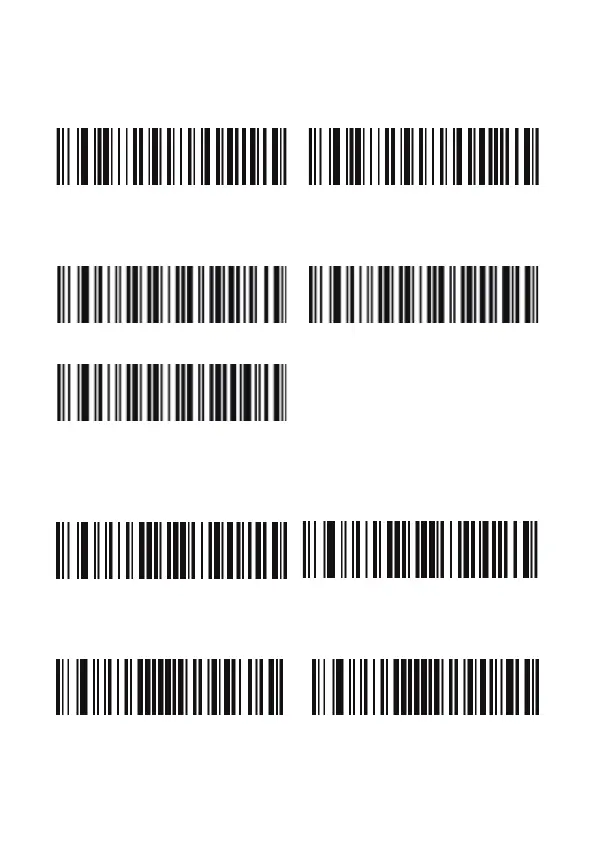
When you turn on this mode, scanners can be decoding the codes on
phone or computer. However, turn on this code will be cause lower
speed when scanning printing codes. The default is turn off.
Disable Screen Read Mode (Default) Enable Screen Read Mode
2.1.6. Luz / Illumination
Normal mode LED always off
LED always on
2.2. Beeper y notificaciones LED / Beeper and LED notifications
2.2.1. Configuración del volumen / Beeper Volume setting
Volume low Volume high (default)
2.2.2. Sonido de inicio / Startup beep
Shut down startup beep Open startup beep (default)
5



 To Next Page