Need help?
Do you have a question about the aqprox! appLS21 and is the answer not in the manual?
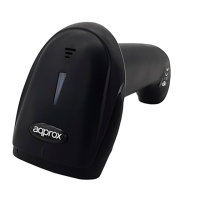
Shows the physical parts of the barcode scanner.
Explains how to turn the scanner on, off, and put it into standby or restart it.
Instructions to reset the scanner to its original factory settings.
How to set the scanner's USB interface mode (keyboard, COM).
Options for manual trigger or automatic scanning modes.
How to enable or disable specific barcode types.
Setting to decode regular, inverse, or both types of barcodes.
Setting carriage return and line feed characters for data output.
Enabling or disabling CTRL+X mode for specific commands.
Configuring data prefixes to be added to scanned barcodes.
Configuring data suffixes to be added to scanned barcodes.
Instructions for entering and using programming mode for configuration.
Guides for adding single byte prefixes and suffixes.
Guides for adding multiple byte prefixes and suffixes.
How to clear all configured prefixes from the scanner.
 General
| Brand | aqprox! |
|---|---|
| Model | appLS21 |
| Category | Barcode Reader |
| Language | English |


 To Next Page