9
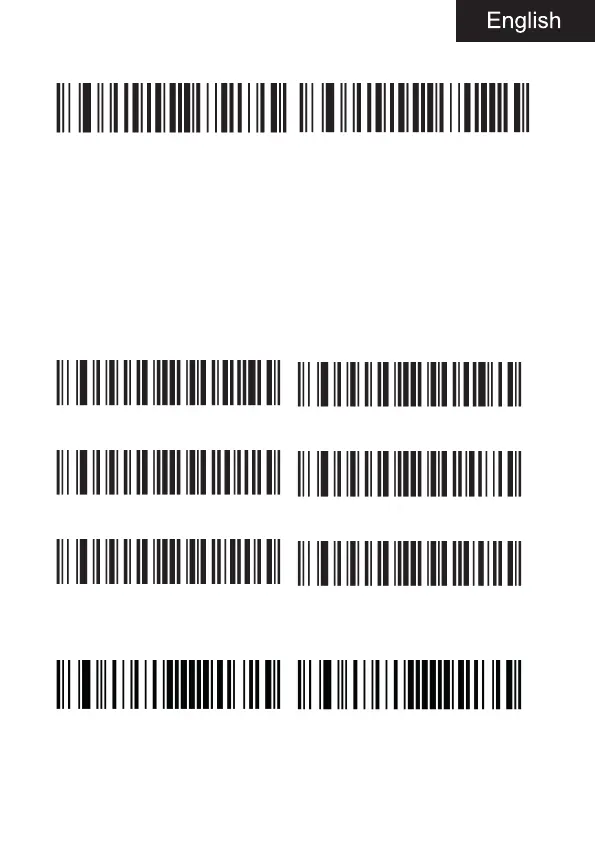
3.4. Beeper
Beeper on (default) Beeper off
4. Output setting
In this chapter, you can configure the output of the device, including ca-
rriage return / line feed, add prefix / suffix, set the length of barcode,
remove the number of digits of barcode (start / end removal) and switch
settings of multi-national keyboard. You only need to scan the correspon-
ding configuration code according to the requirements.
4.1. CR/LF setting
No suffix <data><CR>
<data><LF> <data><CR><LF>(default)
<data><Tab> <data><ETX>
4.2. CTRL + X
Enable CTRL + X mode Disable CTRL + X mode (default)



 To Next Page