12
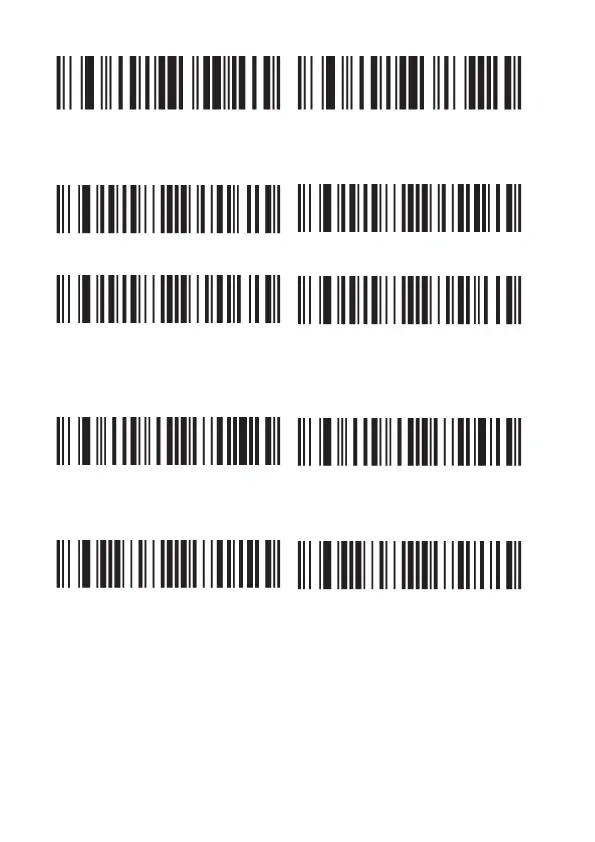
Normal barcode Normal and inverse
4.7. Micro QR code
Enable Disable (default)
Enable inverse micro QR Disable inverse micro QR (default)
5. Special function configuration
5.1. Prefix
Enable Disable
5.2. Suffix
Enable Disable
5.3. Programming mode
Bar code length locking configuration (support up to 6 bar code type
length locking).
Add a single bar code type length lock configuration process:
Example 1: The length of code 128 is 10, and the byte value of code 128
is 083 by looking up the barcode type table.
1. Scan “enter / exit programming mode” to put the device into program-
ming mode.



 To Next Page