6
1.Product introduction
Please carefully read all the contents of the manual before using the pro-
ducts described in this manual to ensure that the product is safely and
effectively preserved for future use. Do not disassemble the terminal or
tear off the seal on the terminal. Otherwise, we will not be responsible for
the warranty or replacement of the terminal.
appLS21 is a high performance barcode reader. It can quickly decode
any 1D and 2D barcode symbology, including QR codes, from paper or
directly from the screen of any device, perfect for customer-facing appli-
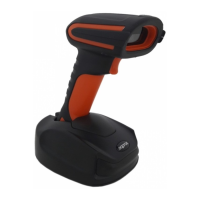
cations. Includes a holder for easy hands-free reading.
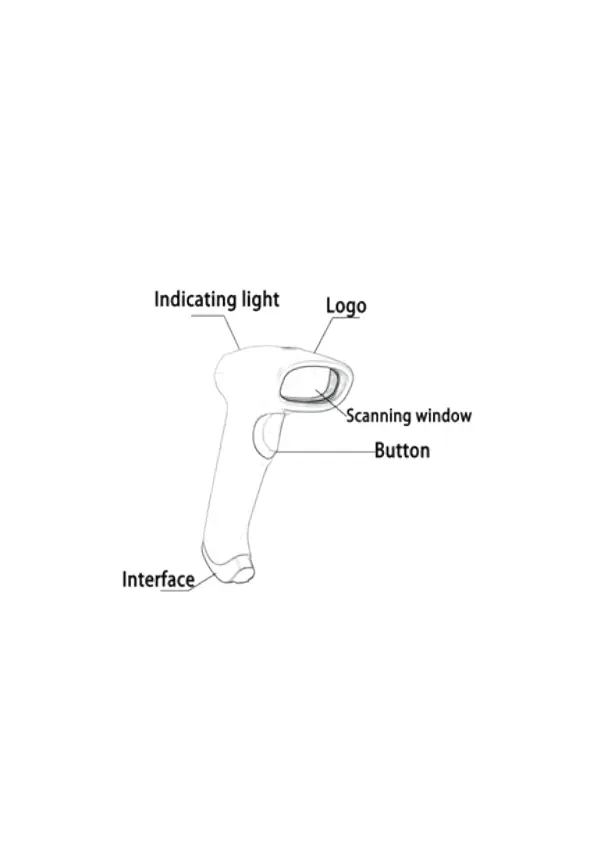
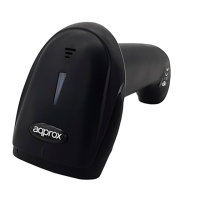
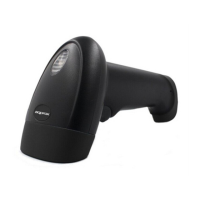
1.1. Product display
1.2. Start-up, shutdown, standby and restart
Start-up: Connect host computer with scanner, which will automatically
start-up and in working state.
Shutdown: Remove the USB which is connected with host computer.
Standby: Scanner with automatic sleep standby function, if 30 minutes
without work it will be in standby mode, but it will automatically start-up
when barcode approach.
Restart: If the scanner crashes or doesn’t respond, please switch it off
and restart.



 To Next Page