5.7 Wireless Security Configuration
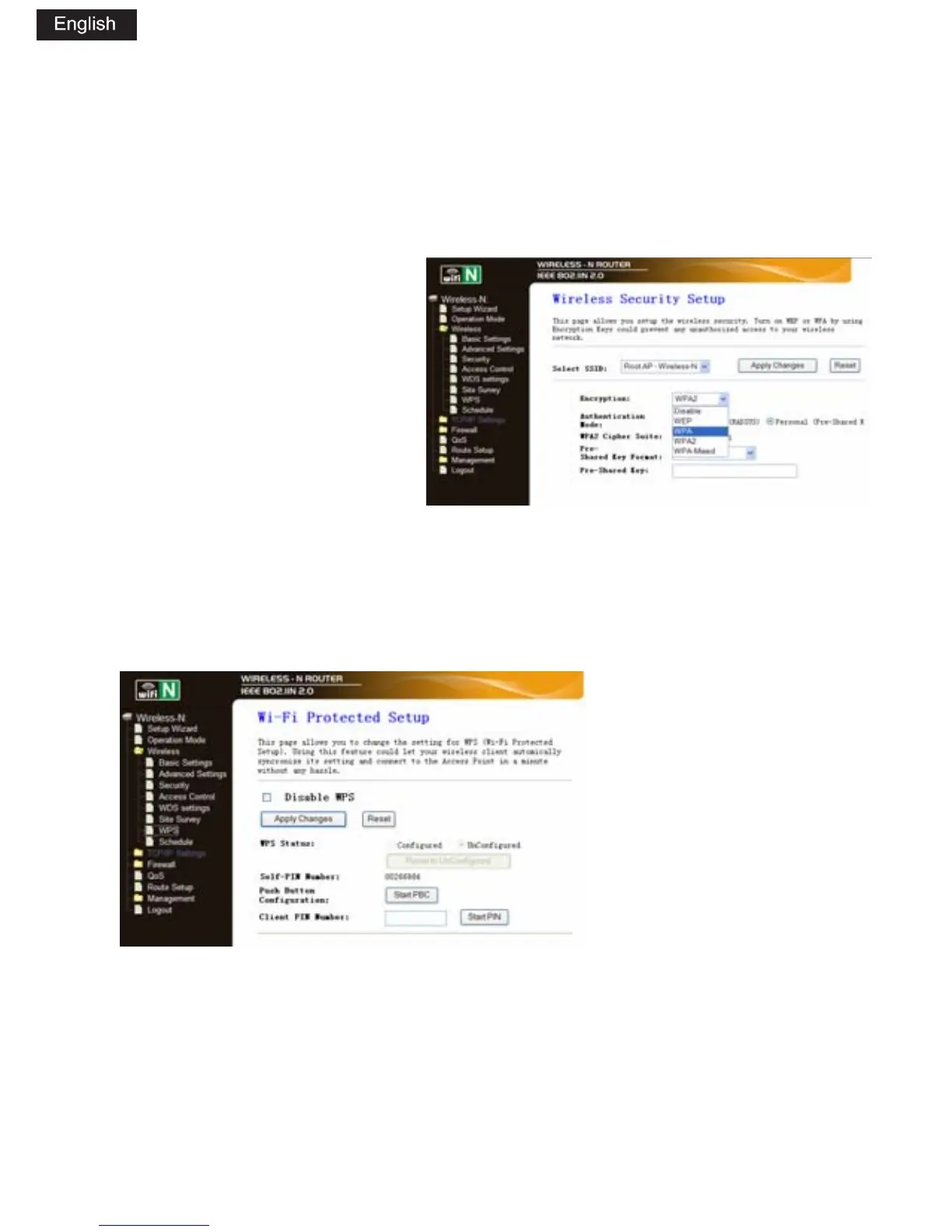
Please click „Wireless-> Security‰ located at the web management
interface, the following message will be displayed on your web browser:
Setup the wireless
security and encryption to
prevent from unauthorized
access and monitoring.
Supports 64/128-bit WEP,
WPA, WPA2 encryption
methods.
When you finish, click ÂApply ChangesÂ.
Please click „Wireless-> WPS‰ located at the web management
interface, the following message will be displayed on your web browser:
You can establish a
wireless connection
between wireless
adapter and Router
using either Push Button
Configuration (PBC)
method or PIN method.
Disable WPS: Enable / Disable
PIN method: If the new device supports Wi-Fi Protected Setup and the
PIN method, you can add it to the network by PIN.
PBC method: If the wireless adapter supports Wi-Fi Protected Setup and
the Push Button Configuration (PBC)


 To Next Page
 Loading...