EasyManua.ls Logo

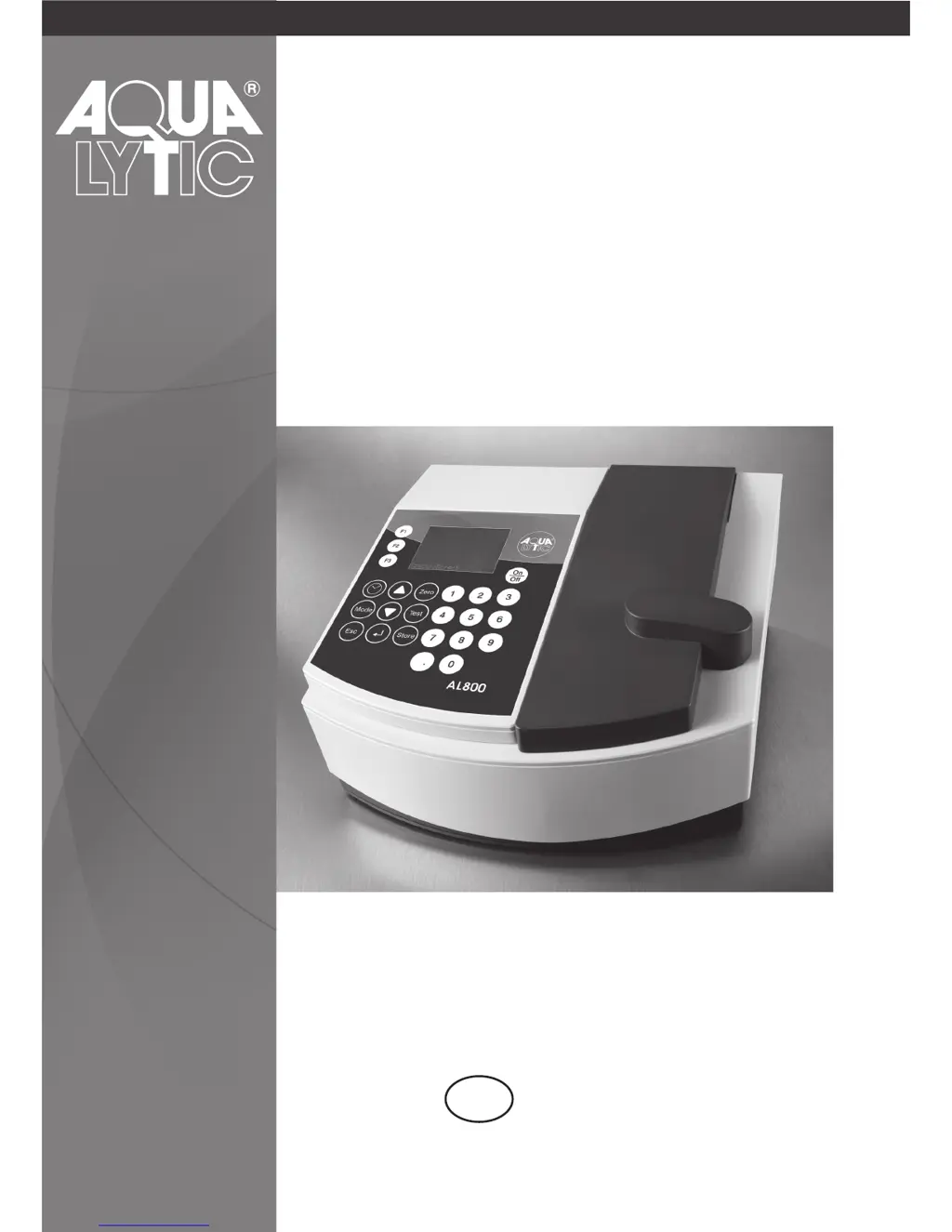
Aqua Lytic SpectroDirect AL800 - User Manual

Aqua Lytic SpectroDirect AL800
372 pages
Print Icon
To Next Page IconTo Next Page
Loading...
GB
Instruction Manual
Spectrophotometer
AL800/SpectroDirect

Table of Contents

Questions and Answers

  • R
    rogersrobinAug 2, 2025
    What to do if Aqua Lytic SpectroDirect AL800 show overrange?
    • J
      John JonesAug 2, 2025
      If your Aqua Lytic Measuring Instruments display an overrange error, it means the reading is exceeding the instrument's range. This can occur if the water sample is too cloudy or if there is too much light on the photocell. If possible, dilute the sample or use a different measuring range. You can also try filtering the water sample.
  • J
    James LoveAug 13, 2025
    Why Aqua Lytic Measuring Instruments show storage system error, use Mode 34?
    • C
      Cynthia JensenAug 13, 2025
      A storage system error on your Aqua Lytic Measuring Instruments, accompanied by the message 'use Mode 34', indicates that the mains power has failed or is not connected. To resolve this, insert or change the lithium battery. Then, delete the stored data using Mode 34.
  • N
    nsmithAug 23, 2025
    What to do if Aqua Lytic Measuring Instruments show underrange?
    • R
      Richard SchmidtAug 23, 2025
      If your Aqua Lytic Measuring Instruments display an underrange error, it means the result is below the detection limit. Indicate the result with 'lower x mg/l', where x is the low end of the measuring range. If necessary, consider using another analytical method.

Summary

Part 1 Methods

1.1 Table of Methods

Lists all available methods with analysis details, reagent, range, method, and page number.

1.1 Methods - Acid demand to pH 4.3 with Tablet

Describes the procedure for determining acid demand using a tablet.

Part 2 Instrument Manual

2.1 Operating

Covers initial commissioning, battery installation, and basic operation of the photometer.

2.2 Overview of function keys

Explains the function of each key on the photometer's control panel for navigation and operation.

2.3 Operation mode

Details the different operational modes like Selftest, selecting methods, and performing tests.

2.4 Photometer settings: Table of MODE Functions

Provides a table mapping MODE functions to their descriptions and page numbers.

Part 3 Enclosure

3.1 Unpacking

Instructions for carefully inspecting all delivered items for completeness and damage.

3.2 Delivery contents

Lists the standard items included with the photometer package.

3.4 Technical data

Provides detailed specifications of the instrument's performance and components.

3.6 Troubleshooting

Offers solutions for common display messages and error conditions.

Aqua Lytic SpectroDirect AL800 Specifications

General IconGeneral
BrandAqua Lytic
ModelSpectroDirect AL800
CategoryMeasuring Instruments
LanguageEnglish