EasyManua.ls Logo

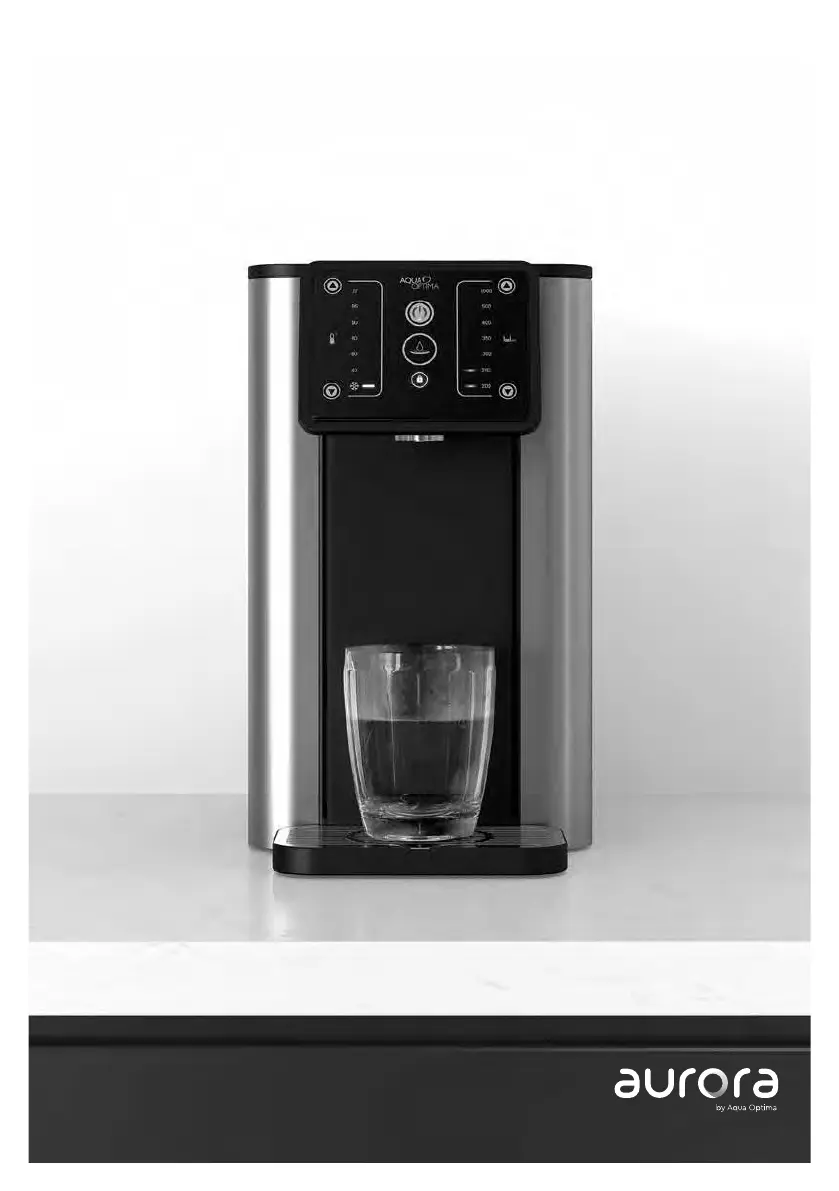
Aqua Optima Aurora AUR001 - User Manual

Aqua Optima Aurora AUR001
88 pages
Print Icon
To Next Page IconTo Next Page
Loading...
Aurora user manual
Aurora Gebrauchsanweisung
Manuel d’utilisation Aurora
Aurora - Manuale utenti
Manual de usuario Aurora
AUR001

Questions and Answers

Summary

Parts Identification and Safety

Important Safeguards

Essential safety precautions for operating the appliance, covering electrical hazards and user conduct.

Aurora Control Panel Guide

On;Off and Lock Functions

How to turn the appliance on/off and activate/deactivate the child lock feature.

Dispensing Controls

Using the dispense button for hot/chilled water and understanding dispensing indicators.

Temperature and Volume Settings

How to select desired water temperature (chilled to boiling) and dispensing volume.

Filter and Refill Indicators

Understanding the orange lights for filter replacement and water tank refill status.

Descale Warning Indicator

Recognizing the descaling alert and its meaning for appliance maintenance.

Setup, First Use, and Cleaning

Aqua Optima Filter Preparation

Step-by-step guide to prepare the water filter cartridge before installation.

Appliance Cleaning Procedures

Instructions for cleaning internal and external parts of the appliance.

Filter Replacement Process

How to replace the filter cartridge and reset the filter indicator.

Appliance Care and Maintenance

Tips for maintaining water freshness and long-term appliance care, including draining.

Using Your Aurora Dispenser

Step-by-Step Usage Guide

Detailed instructions for filling, selecting, and dispensing water with the appliance.

Operational Notes and Indicators

Information on interface locking, sound controls, and operational indicator lights.

Troubleshooting Common Issues

Aqua Optima Aurora AUR001 Specifications

General IconGeneral
Product TypeWater Filter Jug
Filter Cartridge TypeEvolve+
MaterialPlastic
ColourWhite
PowerNot applicable
Water Level IndicatorYes
Limescale FilterYes
Filter TypeEvolve+
Filter Life30 days