11
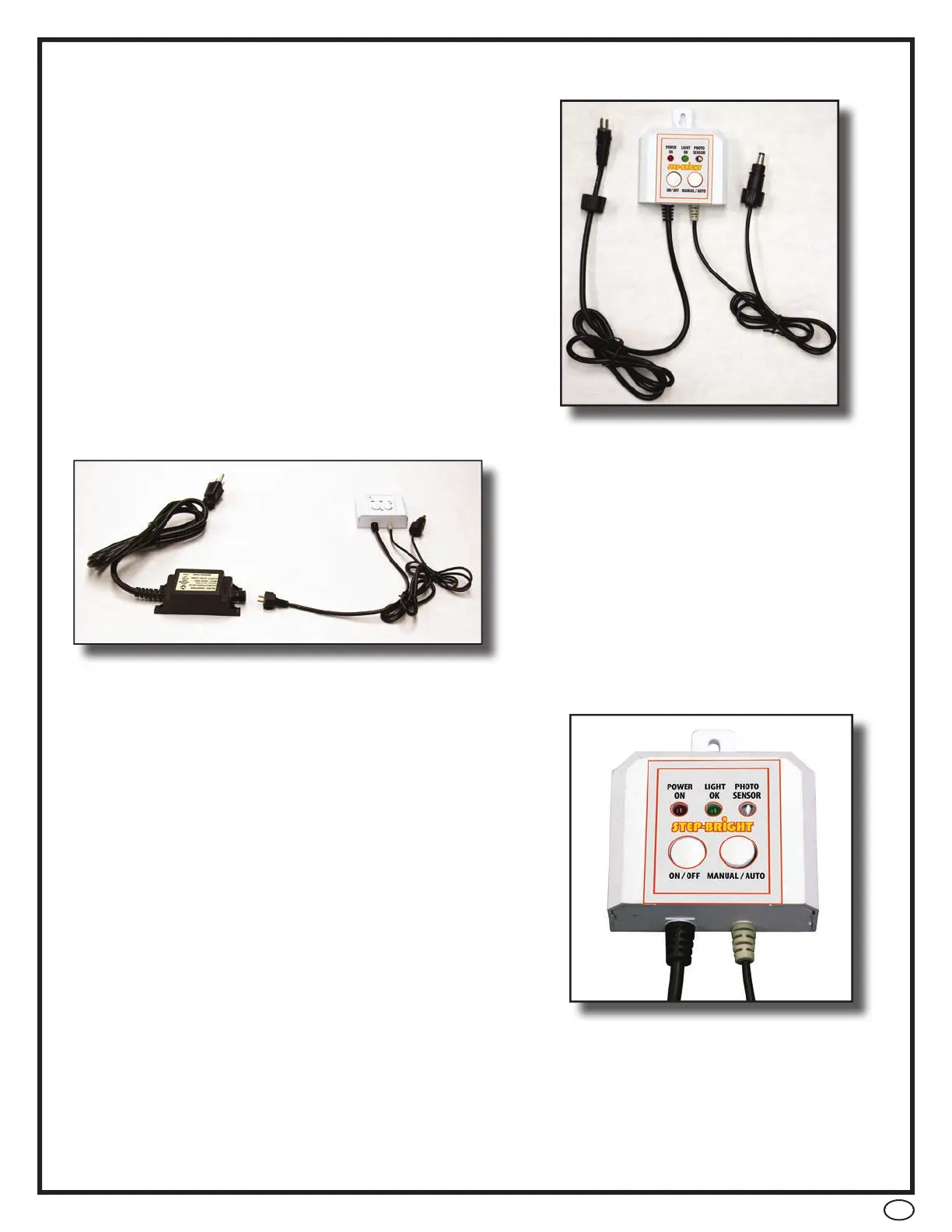
• The Step Bright controller allows you to either
manually or automatically control the light.
• The low voltage connects to the power cord
attached to the controller. Simply plug the
cords together and tighten the locking ring
connector.
• To power on you light press the on/off button
on the control pad (transformer needs to be
connected to power source)
• Once light is powered on select either manual
operation or automatic operation by pressing
the “manual/ auto” button.
• For manual operation — the Light OK indicator will illuminate.
• For automatic operation — light will turn on at sunset and off at dusk – the photo
sensor indicator will illuminate.
• The other cord coming from the controller
(left side/ bottom) connects to the
transformer cable the same way.
• The plug ends are different so you cannot
connect the cables incorrectly.


 To Next Page