
 Need help?
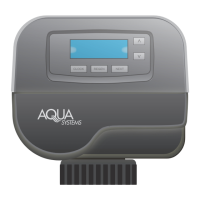
Do you have a question about the Aqua Systems SmartChoice II Wi-Fi and is the answer not in the manual?
Place system valve in Wi-Fi Setting mode by pressing Clock and Down buttons for 15 seconds.
Select your Aqua Systems Wi-Fi network (based on MAC ID) via Wi-Fi network manager.
Access setup via browser at 192.168.0.1, select Wi-Fi, and enter password if needed.
Complete setup by visiting https://wifi.ilovemywater.com to register equipment.
 General
| Brand | Aqua Systems |
|---|---|
| Model | SmartChoice II Wi-Fi |
| Category | Control Unit |
| Language | English |

 To Next Page