How to set How Long (1-240 mins)
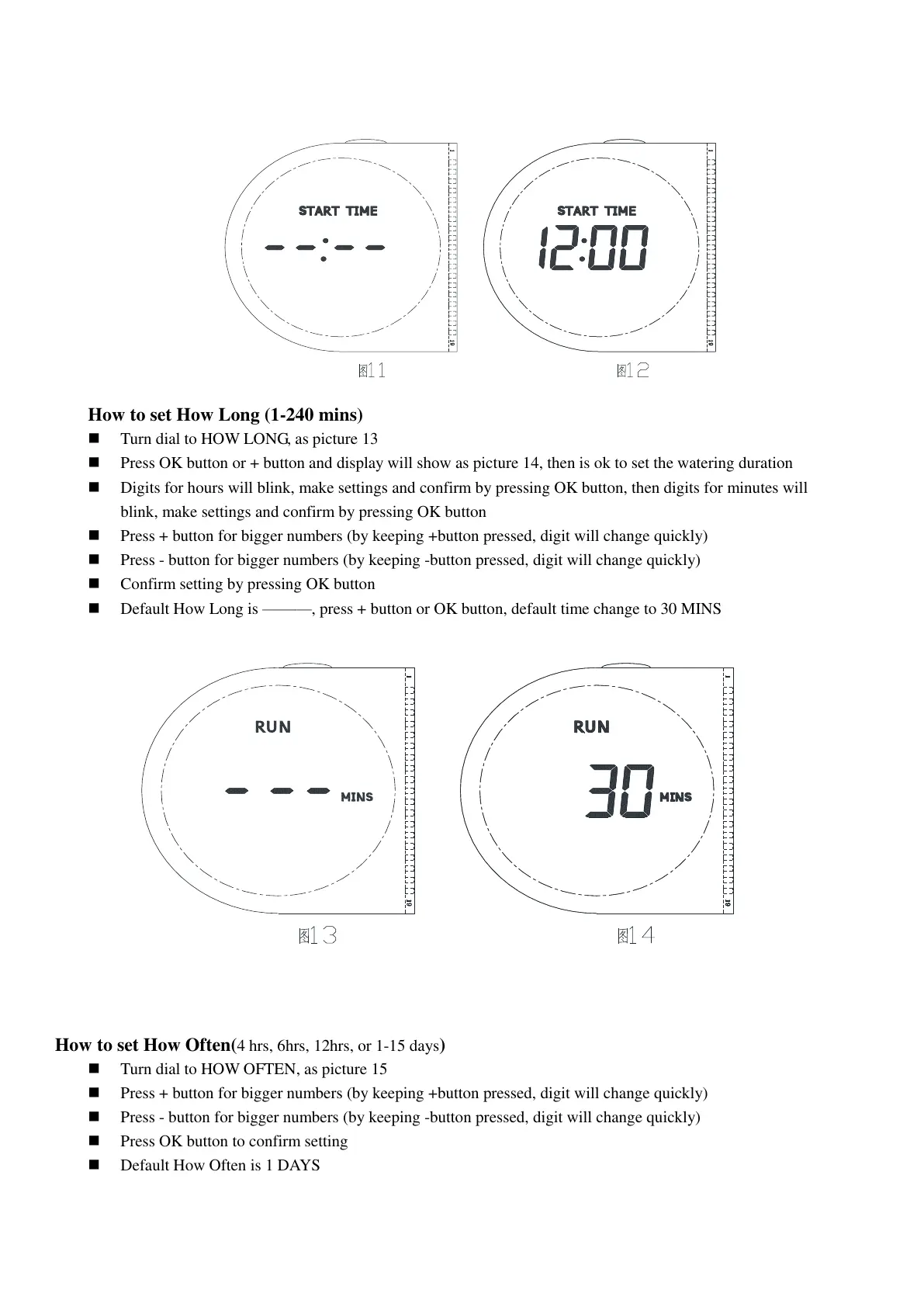
Turn dial to HOW LONG, as picture 13
Press OK button or + button and display will show as picture 14, then is ok to set the watering duration
Digits for hours will blink, make settings and confirm by pressing OK button, then digits for minutes will
blink, make settings and confirm by pressing OK button
Press + button for bigger numbers (by keeping +button pressed, digit will change quickly)
Press - button for bigger numbers (by keeping -button pressed, digit will change quickly)
Confirm setting by pressing OK button
Default How Long is ———, press + button or OK button, default time change to 30 MINS
How to set How Often(4 hrs, 6hrs, 12hrs, or 1-15 days)
Turn dial to HOW OFTEN, as picture 15
Press + button for bigger numbers (by keeping +button pressed, digit will change quickly)
Press - button for bigger numbers (by keeping -button pressed, digit will change quickly)
Press OK button to confirm setting
Default How Often is 1 DAYS


 To Next Page
 Loading...