How to set Rain Delay
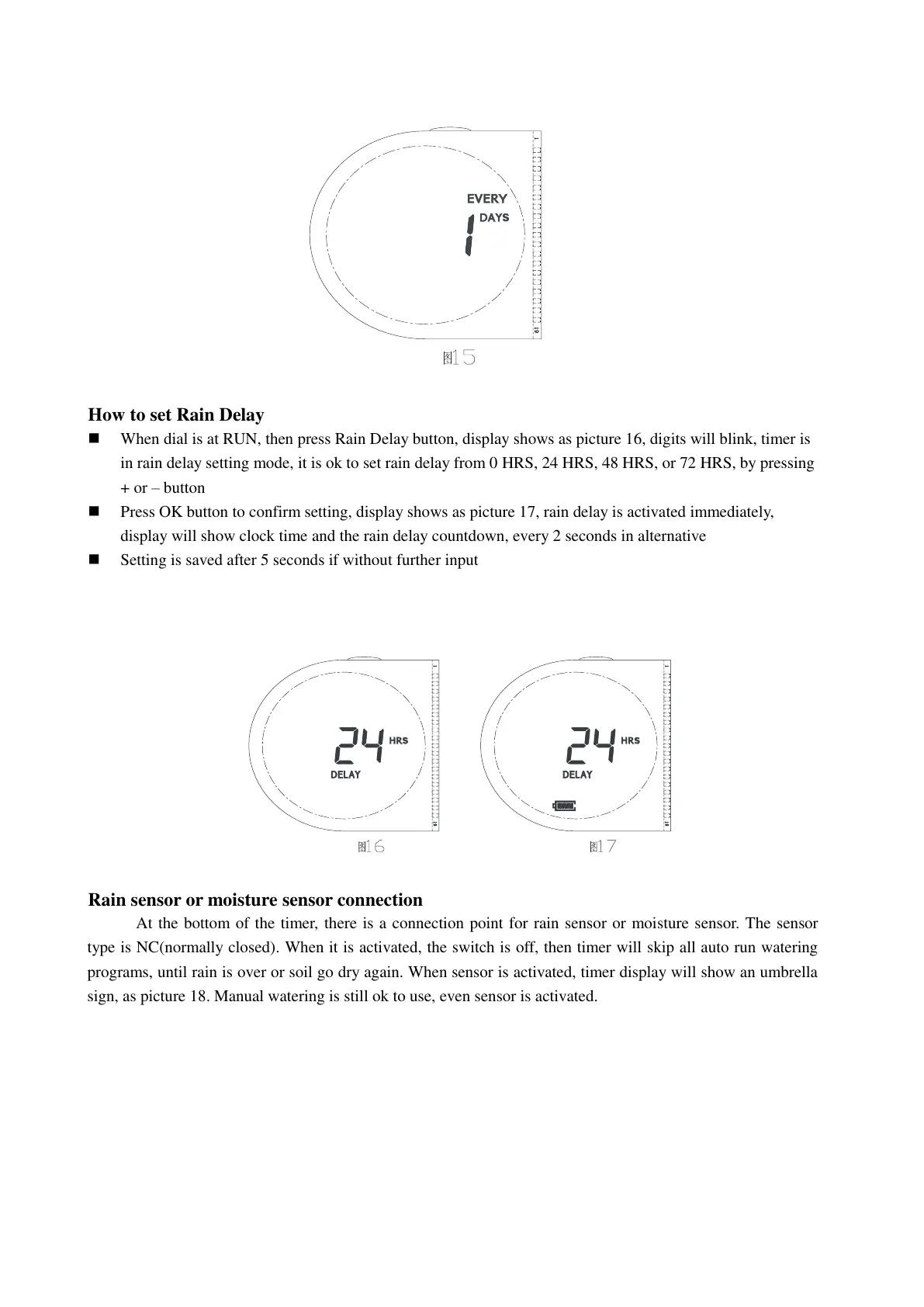
When dial is at RUN, then press Rain Delay button, display shows as picture 16, digits will blink, timer is
in rain delay setting mode, it is ok to set rain delay from 0 HRS, 24 HRS, 48 HRS, or 72 HRS, by pressing
+ or – button
Press OK button to confirm setting, display shows as picture 17, rain delay is activated immediately,
display will show clock time and the rain delay countdown, every 2 seconds in alternative
Setting is saved after 5 seconds if without further input
Rain sensor or moisture sensor connection
At the bottom of the timer, there is a connection point for rain sensor or moisture sensor. The sensor
type is NC(normally closed). When it is activated, the switch is off, then timer will skip all auto run watering
programs, until rain is over or soil go dry again. When sensor is activated, timer display will show an umbrella
sign, as picture 18. Manual watering is still ok to use, even sensor is activated.


 To Next Page
 Loading...