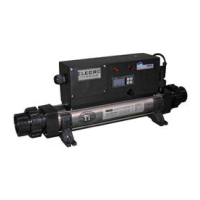
Temperature Controller Set-up
This
digital controller has been pre-programmed with all the
rs to ensure reliable service and operation. The
s pre-set from the factory with a temperature range from
°F to 100 °F with a display resolution of 1 degree °F and with a
°F temperature differential.
Always have the chiller set point (Out1) equ
al or higher than the
heater (Out
2) set point. DO NOT OVERLAP THESE SET POINTS
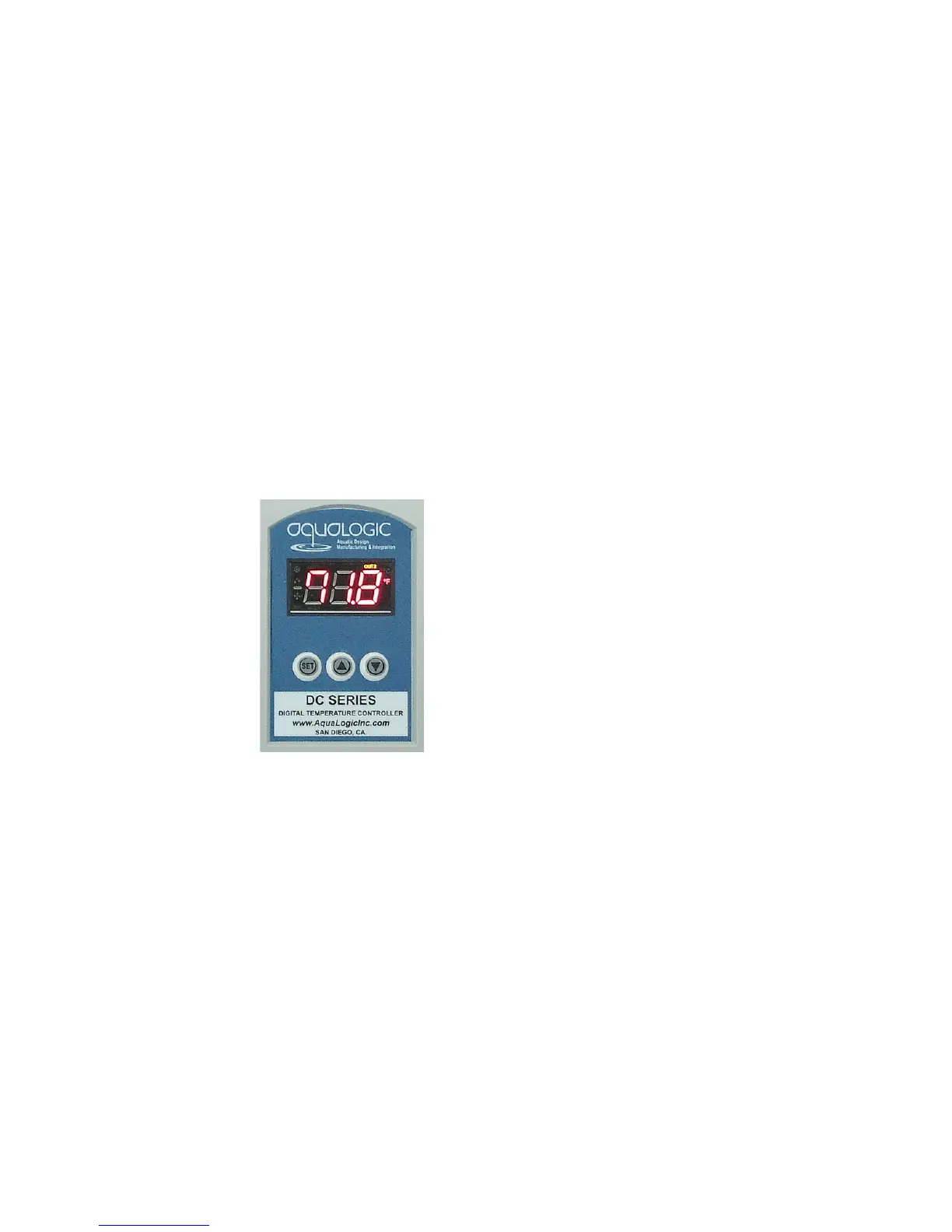
modify the Set Points SP1 and SP2.
the “SET” button. OUT1 LED
Modify the out1 set point value using
up arrow ▲
to decrease the set point.
Press the SET button to store
out1 set point value and advance to
out2
Modify the out2 set point value using
up arrow ▲
to decrease the set point.
Press the SET button to store the
value and return to home screen.
Indicates that the chiller and the OUT2 is the heater is
energized.
Operation Modes
in the cooling mode (Out1) the water temperature needs to go
the set point by one degree for it to activate the chiller. It will
turn off once the water temperature has reached set point.
(Out2) the water temperature has to go down
below the set point by one degree to activate the heater. It will turn off
once the water temperature has reached the set point.


 To Next Page
 Loading...