Need help?
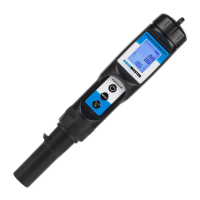
Do you have a question about the AquaMaster Tools Combo Pen P100 Pro and is the answer not in the manual?
Detailed steps for calibrating the pH function of the meter using buffer solutions.
Criteria indicating when the meter needs recalibration for accurate measurements.
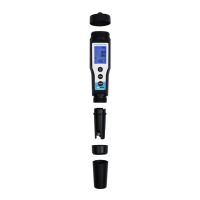
Instructions for safely removing and installing a new electrode.
Procedure for changing the device's batteries when the indicator is active.
Details on the product's warranty coverage and terms for defects.
 General
| EC Accuracy | ±2% F.S. |
|---|---|
| TDS Accuracy | ±2% F.S. |
| Temperature Accuracy | ±0.5°C |
| Display | LCD |
| pH Range | 0.00-14.00pH |
| EC Resolution | 1 µS/cm |
| TDS Resolution | 1ppm |
| Temperature Resolution | 0.1°C |
| Operating Temperature | 0-60°C |
| Accuracy | Temperature: ±0.5°C |
| Resolution | Temperature: 0.1°C |

 To Next Page