EasyManua.ls Logo

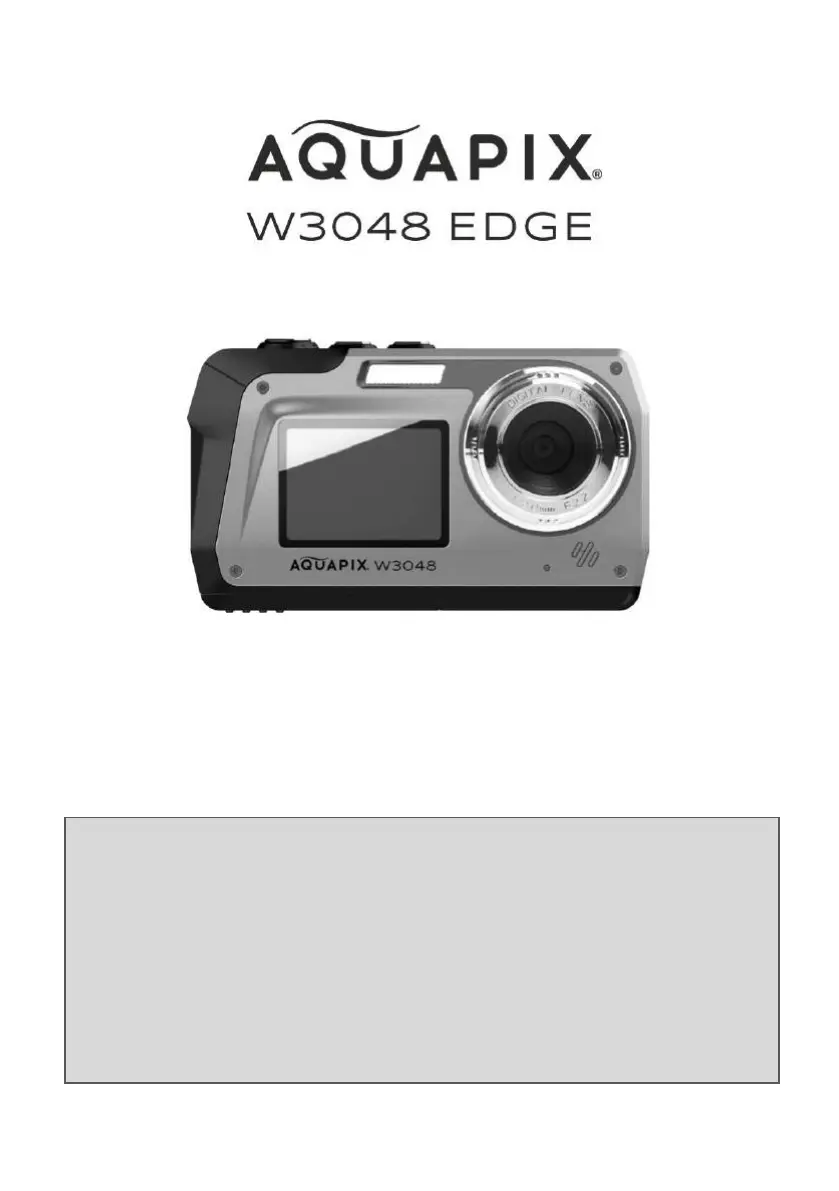
AquaPix W3048 EDGE - User Manual

AquaPix W3048 EDGE
26 pages
Print Icon
To Next Page IconTo Next Page
Loading...
USER MANUAL
FR : Un manuel dans votre langue est disponible sur Internet:
IT: Il manuale nella sua lingua può essere trovato su Internet:
ES: Puede encontrar un manual en su idioma en Internet:
PT: Um manual em seu idioma pode ser encontrado na Internet:
PL: Instrukcję w swoim języku możesz znaleźć na stronie:
SWE: En handbok på ditt språk finns på Internet:
NL: Een handleiding in uw taal vindt u op internet:
www.easypix.info/download-manuals/download/w3048/

Questions and Answers

  • Y
    ypopeJul 28, 2025
    How to fix AquaPix W3048 EDGE if it cannot be turned on?
    • S
      Scott DavisJul 28, 2025
      If your AquaPix Digital Camera won't turn on, it could be due to an exhausted battery. Check the battery and replace it if necessary. Another possibility is a battery installation error. Make sure the battery is installed correctly.
  • E
    Erika BowmanAug 4, 2025
    Why does my AquaPix Digital Camera turn off without warning?
    • T
      Trevor GoodmanAug 4, 2025
      Your AquaPix Digital Camera might be turning off unexpectedly to save power using the auto-off function. Adjust the settings to prevent this if you prefer. Low temperatures can also cause the camera and battery to malfunction; try warming them to room temperature. Finally, if the camera's internal temperature is too high, it will turn off. Let the camera cool down before trying to turn it on again.
  • C
    Caitlin MartinezAug 12, 2025
    What to do if the screen is blank on AquaPix W3048 EDGE?
    • J
      Jeremy HooperAug 12, 2025
      If the screen on your AquaPix Digital Camera is blank, first ensure that the camera is turned on. If it is already on, the camera might be turning off automatically to save power. Try turning the camera on again. Also, verify that you are viewing the active screen, as the functions may only be displayed on one of the two screens.
  • M
    Matthew LewisAug 19, 2025
    Why does my AquaPix Digital Camera become hot?
    • L
      Lauren ChaseAug 19, 2025
      It's normal for your AquaPix Digital Camera to become hot when used for extended periods, such as when shooting movies, or when used in a hot environment. This is not a malfunction.

Summary

Explanation of safety warnings

Restrictions

Safety instructions

First steps: Preparing your camera for first use

Battery and memory card installation

Guide on installing the battery and memory card correctly.

Charging the battery

Instructions for charging the camera's battery using the provided cable.

Camera functions

Photo mode

Video mode

Playback mode

Deleting files

Transferring files from camera to computer

AquaPix W3048 EDGE Specifications

General IconGeneral
Image SensorCMOS
LCD Screen Size3.0 inch
Digital Zoom8x
Video Resolution4K (3840x2160)@30fps, 2.7K@30fps, 1080P@60fps, 1080P@30fps, 720P@120fps, 720P@60fps, 720P@30fps
Resolution4608 x 3456
Sensor TypeCMOS
Megapixels16 MP
Waterproof Depth10 meters
Storage MediaMicroSD card
Battery TypeLithium-ion rechargeable

Related product manuals