EasyManua.ls Logo

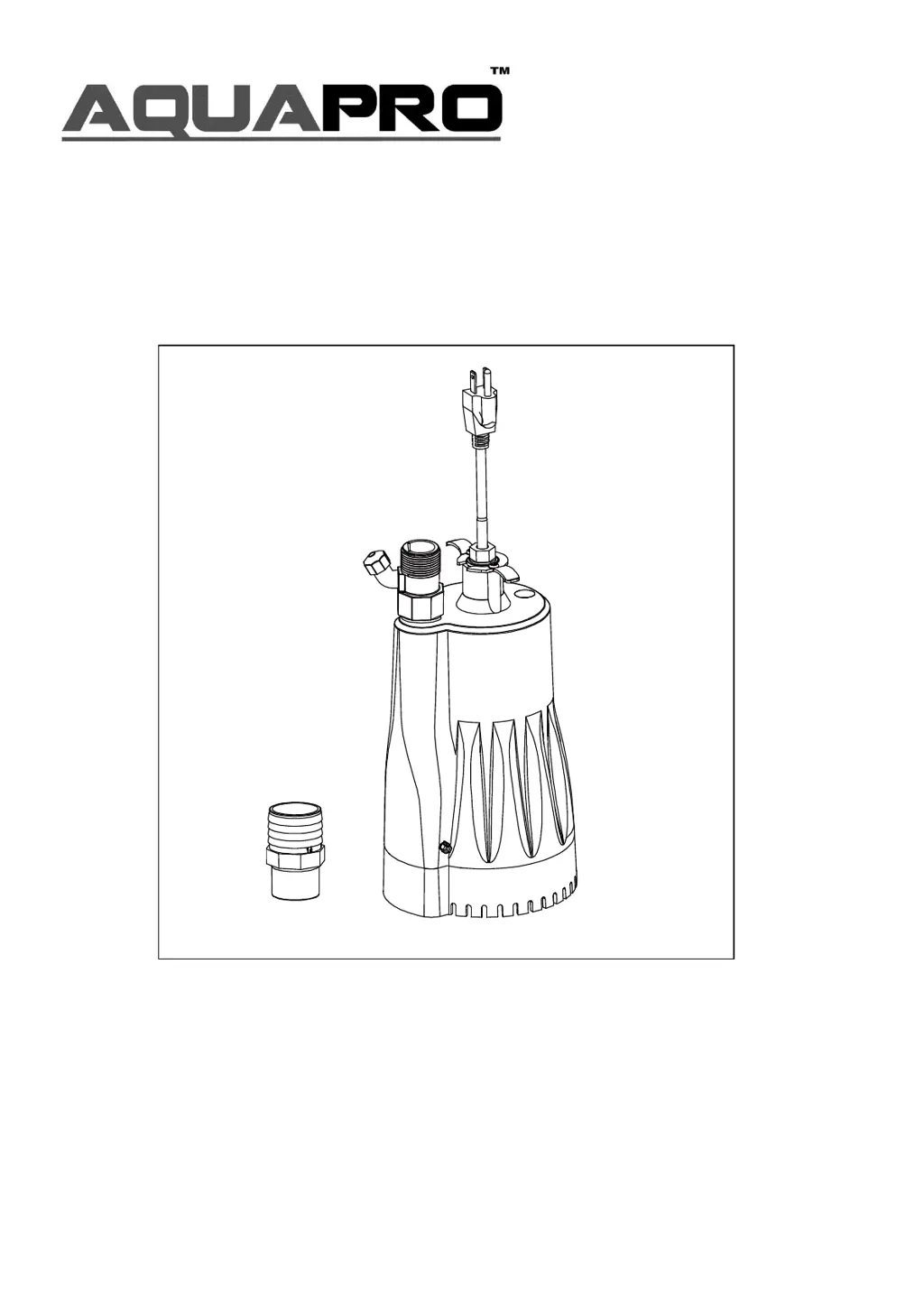
AquaPRO SU250AC - User Manual

Default Icon
24 pages
Print Icon
To Next Page IconTo Next Page
Loading...
OWNER’S MANUAL
AUTOMATIC UTILITY PUMP
Questions, problems, missing parts? Before returning to the store call AQUAPRO
Customer Service 8 a.m. - 6 p.m., EST, Monday-Friday
1-844-242-2475
© 2017CopyrightGP EnterprisesCo .,Ltd
Model SU250AC

Questions and Answers

  • E
    Eric BrownAug 9, 2025
    Why AquaPRO Water Pump not starting?
    • A
      Angela WeberAug 9, 2025
      Your AquaPRO Water Pump might not be starting due to several reasons: a blown fuse (replace the fuse), a tripped breaker (reset the breaker), a disconnected plug (secure the plug), a corroded plug (clean the plug prongs), motor failure (replace the pump), a water level that is too low (allow the water level to rise to 1-1/2 in. or more), or ice or blockage locking the impeller (remove the blockage).
  • D
    Dennis MartinAug 26, 2025
    What to do if AquaPRO Water Pump is unable to pump out water?
    • H
      Heidi SmithAug 26, 2025
      If your AquaPRO Water Pump isn't pumping water, check for these potential causes: a blocked screen (clean the screen), a kinked, bent, or coiled hose (straighten the hose), an airlock (clean the anti-air lock hole), a hose that is too long (use a shorter hose), an impeller that is loose on the shaft (reassemble the impeller), or a broken impeller (replace the impeller).

AquaPRO SU250AC Specifications

General IconGeneral
BrandAquaPRO
ModelSU250AC
CategoryWater Pump
LanguageEnglish

Related product manuals