7
All Rights Reserved
©2021 Escalade Sports
For Customer Service Call 1-800-526-0451
3. Press START to begin play.
When play begins, the “human” player throws first. After 3 darts are thrown, go to the
board to take darts out and press START to change to the next player (computer). Watch
as the computer’s dart scores are registered on the display. After the computer completes
its round, the board will automatically reset for the “human” player. Game will continues
until one player wins. Good luck!
Interactive Heckler® Game Play Feature
Your ARACHNID® electronic dartboard includes an exciting interactive “Heckler®” feature
that emits rewarding comments of praise for high scoring darts and insults for poorly thrown
darts. The humorous interactive comments are sure to add plenty of fun and excitement to
your dart game.
There are four levels to choose how frequent you will hear these interactive sound effects:
The default setting when the dartboard is turned on is Level 4. Players do have the ability to
change the frequency level while a game is in process. Simply press the Heckler® button to
change the frequency level.
IMPORTANT! The interactive HECKLER® feature can only be used with standard games of
Cricket and ’01 (*301,501 etc). *Single in and single out games only
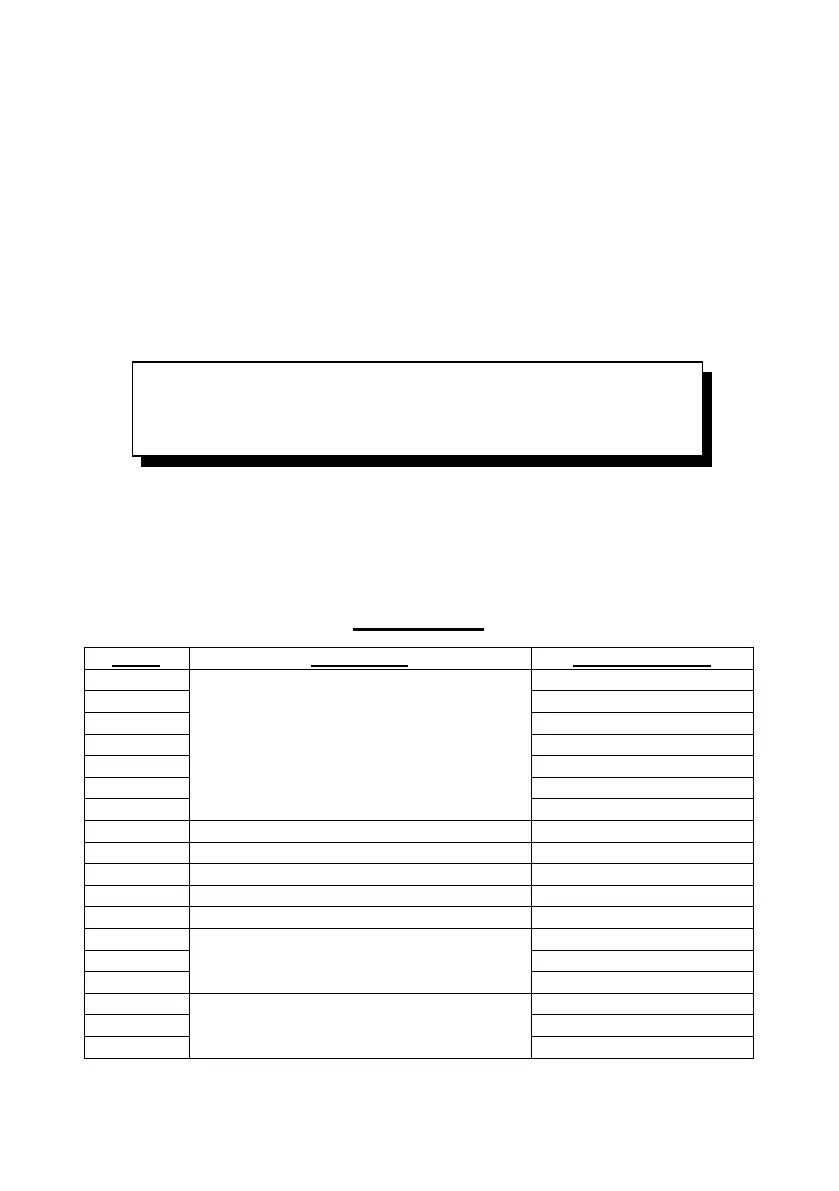
GAME TABLE
Level 4 Every throw - All throws will include an interactive sound effect
Level 3 Frequently - Frequent interactive sound effects
Level 2 Occasional - Occasional interactive sound effects
Level 1 OFF - Turns OFF the interactive Heckler® sounds


 To Next Page
 Loading...