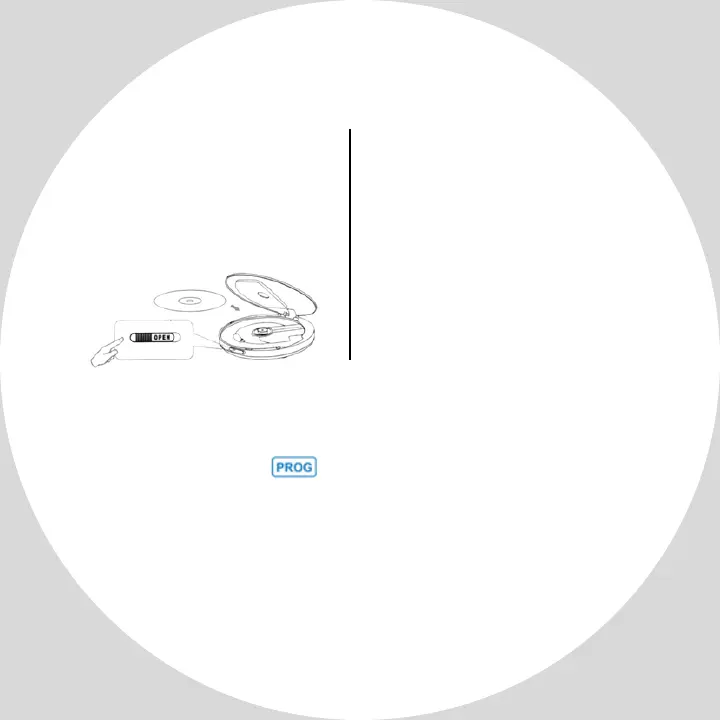
When NOd is
displayed on the
screen, check if the
disc is placed correctly
in the player.
The last memory function is turned on by default.
Long press button for 3 seconds to turn
on/off the last memory function. The ON or OFF
will be displayed on the screen at this time.
ON =After the player is turned off and restarted it
will be returned to the last stop-track on the disc.
OFF =After the player is turned off and restarted, it
will start playing from the first track on the disc.
Use the Play/Pause button or turn CD player off to
return to the last stop-track on the disc. The STOP
button returns play to the first track on the disc
Last memory
Play disk
This player can be as a
stand-alone speaker
or connect to a
external speaker, ex:
Car, via AUX cable


 To Next Page