5
EN
5 Gestures
Enter / Exit Tracking Mode
When your face is in the frame, make this
gesture until the camera's blue light flashes
rapidly, and the camera will switch the AI
tracking function on or off.
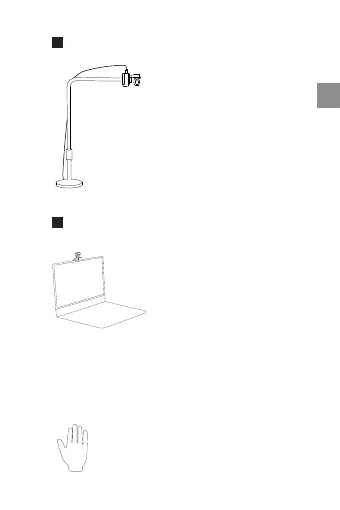
Overhead Mode
When connected to a suitable
accessory, Insta360 Link can be
set to Overhead Mode. In this
mode, Insta360 Link's lens will
automatically face downwards,
giving you a top-down view. You
can also manually adjust the
angle. You can activate this mode
via Link Controller.
DeskView can be enabled in Link
Controller. Once enabled, Insta360
Link will automatically adjust
its lens to a 45° angle to give a
clear and leveled overhead view
of your desk. To ensure a clear
view, ensure Insta360 Link is not
mounted at an over 100° angle in
relation to your desk.


 To Next Page