1
EN
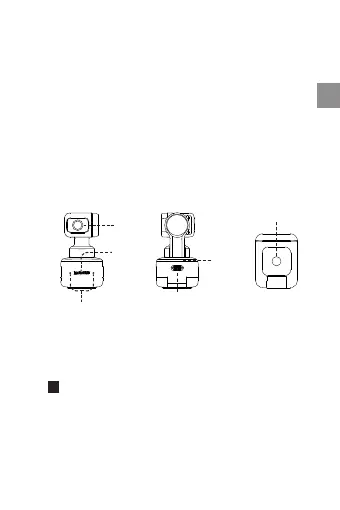
2 Names of Parts
Touch
Key
Mics
1/4" Mounting Point
USB Type-C Port
Lens
Indicator
Light
Insta360 Link can be deployed in a number of ways, with
its built-in clip design allowing it to be clipped directly onto
a computer screen (as shown below) or placed on a flat
surface. The base has a 1/4" screw hole for use with a
stand/tripod.
3 Setting up Insta360 Link
Placement
1 Product Overview
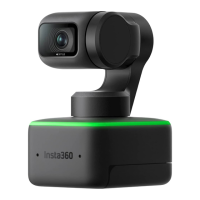
Insta360 Link is an AI-powered 4K webcam with a 3-axis
gimbal. Using built-in AI algorithms, it can track your
movements to always keep you in frame. Specialized
modes for whiteboard enhancement, portrait live
streaming and more are also available. Link connects to
a computer via USB cable and can be mounted with the
built-in clip or ¼” mounting point. Link can be controlled
via its desktop software or gestures.


 To Next Page