EasyManua.ls Logo

ARCADE1UP PacMan - User Manual

ARCADE1UP PacMan
78 pages
Print Icon
To Next Page IconTo Next Page
Loading...
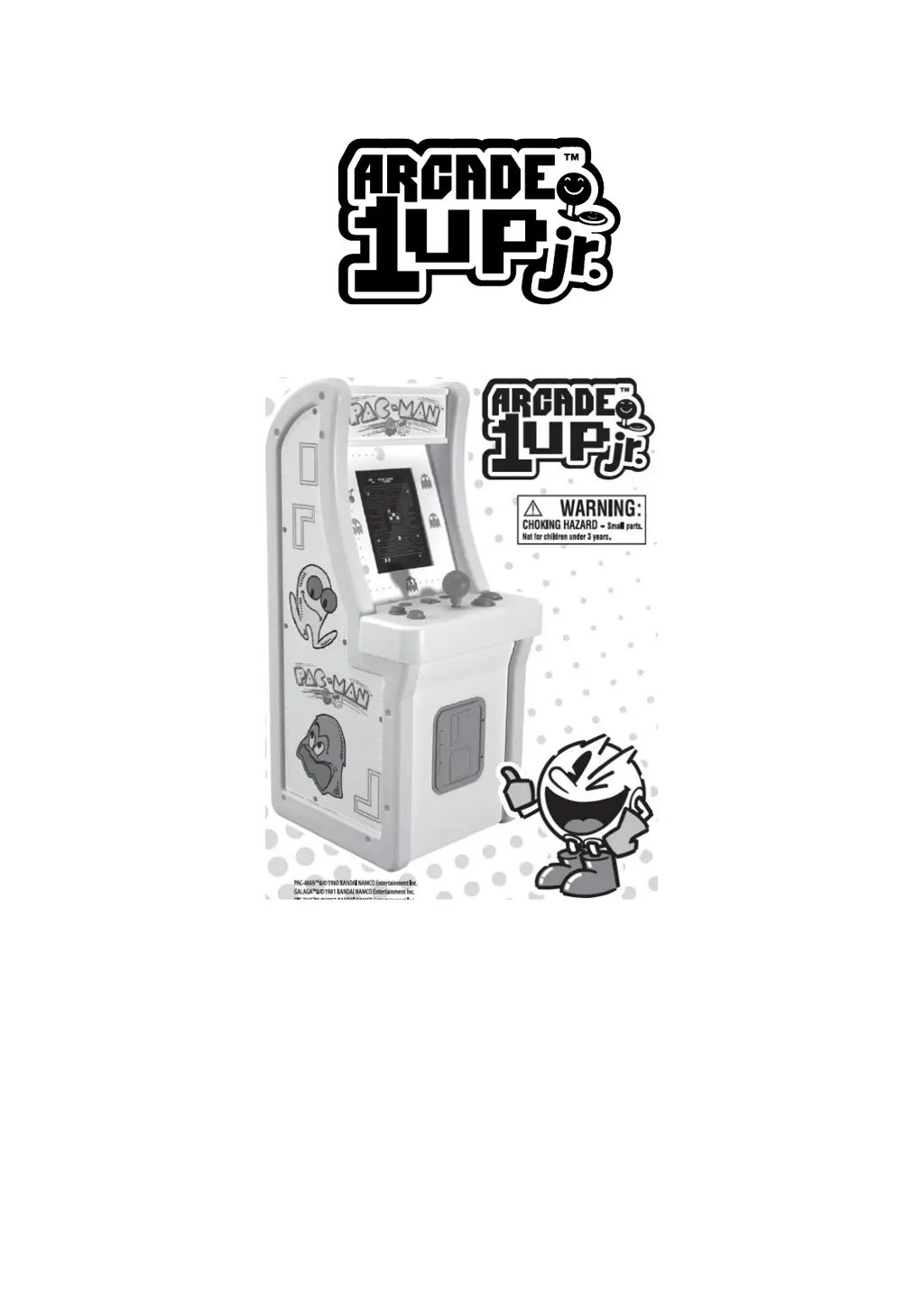
Arcade1Up-PacMan
User Manual • Uživatelský manuál •
Užívateľský manuál • Használati utasítás •
Benutzerhandbuch

Questions and Answers

  • A
    alvareztravisAug 12, 2025
    What to do if my ARCADE1UP Arcade Game Machine won't turn on?
    • D
      Dr. Henry Diaz PhDAug 12, 2025
      If your ARCADE1UP Arcade Game Machine isn't powering on, here's what you should check: * Ensure the power cord is securely plugged into a working wall outlet. Test the outlet with other devices to confirm it's functional. * Inspect all wires and plugs inside the cabinet to ensure they are firmly connected. Shipping can sometimes loosen these. * Verify that the ON/OFF switch on the control deck is in the ON position. * Confirm that the upload switch on the back of the monitor is also in the ON position.
  • A
    Alexandra NguyenAug 15, 2025
    Why is there no sound on my ARCADE1UP Arcade Game Machine?
    • S
      Sarah FoleyAug 15, 2025
      If your ARCADE1UP Arcade Game Machine has no sound, check the following: * Ensure all wires and plugs are properly and completely connected, referring to the assembly instructions. * Verify that the volume is not set too low. Adjust the Volume Switch located on the control deck to the right to increase the volume.
  • A
    Anthony ShafferAug 20, 2025
    What to do if my ARCADE1UP Arcade Game Machine screen is frozen?
    • E
      Emily TaylorAug 20, 2025
      If your ARCADE1UP Arcade Game Machine screen is frozen, try these steps: 1. Turn the ON/OFF switch OFF and then back ON again. 2. If that doesn't work, RESET the game by turning the ON/OFF switch to the OFF position, unplugging the game from the wall outlet, waiting 60 seconds, plugging it back in, and then turning the ON/OFF switch back to ON.
  • A
    Amy McguireAug 23, 2025
    What to do if my ARCADE1UP Arcade Game Machine has sound but no picture?
    • A
      Amanda GlennAug 25, 2025
      If you hear sound but there is no picture on your ARCADE1UP Arcade Game Machine, unplug the arcade and open the access panel on the back. Check all the Wire/Plugs to ensure that they are not loose. If any are loose or disconnected, replug them and close the access panel.
  • R
    Rebecca JonesAug 27, 2025
    Why does the screen on my ARCADE1UP Arcade Game Machine look pixelated?
    • S
      shellybondAug 27, 2025
      If the screen on your ARCADE1UP Arcade Game Machine looks pixelated or has lines running through it: * Make sure all wires and plugs are properly connected as instructed in the assembly manual. * If the issue persists, RESET the game. Turn the ON/OFF switch to the OFF position, unplug the game from the wall outlet and wait 60 seconds. Then, plug the game back in and turn the ON/OFF switch back to ON.
  • B
    Bryan DavisAug 31, 2025
    How to fix a stuck button on my ARCADE1UP Arcade Game Machines control deck?
    • J
      john80Aug 31, 2025
      If a button on your ARCADE1UP Arcade Game Machines control deck is stuck, it might be due to debris. Try sliding something thin, like a business card, between the button and the button housing, moving it back and forth to dislodge any debris.
  • A
    Anna BryantSep 3, 2025
    What to do if I can't start the game on my ARCADE1UP Arcade Game Machine?
    • C
      Christopher RobinsonSep 3, 2025
      If you've entered the game on your ARCADE1UP Arcade Game Machine but can't get it to start, you might be pressing the wrong button. Consult the game control section in the instruction manual to ensure you are using the correct button to start the game.
  • J
    Jenna SandersSep 7, 2025
    Why can't I select 2 or 3 players on my ARCADE1UP Arcade Game Machine?
    • J
      James WardSep 7, 2025
      If you can't select 2 or 3 players for a game on your ARCADE1UP Arcade Game Machine, it may be because the game is designed for only 1 or 2 players. Check the game control section in the instruction manual to confirm how many players the game supports.

Summary

Getting Started and Safety Precautions

Safety Precautions

General safety advice and warnings for operating the Arcade1UP device, including electrical hazards and tip-over risks.

Installation Guide

Anti-Tip Device Installation

Instructions and components for securing the arcade unit to a wall to prevent tipping and ensure safe operation.

Product Specifications

Assistance and Service Information

Power Plug Installation

Game Mode Selection

Game Controls Overview

Troubleshooting Common Issues

Warranty Conditions

EU Declaration of Conformity

WEEE Disposal Information

ARCADE1UP PacMan Specifications

General IconGeneral
Screen Resolution1280 x 1024
PowerAC Adapter
Control PanelJoystick and Buttons
Online PlayNo
Number of Players1-2 Players
Display17" LCD screen
Games IncludedPac-Man, Pac-Man Plus
Weight58 lbs
Riser CompatibilityCompatible with Arcade1Up riser (sold separately)

Related product manuals