3
CONNECTING
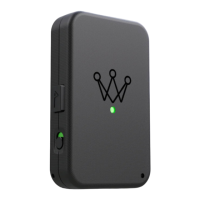
ARCCOS LINK
• Open the Arccos Caddie app and hold
Arccos Link close to your smartphone.
• Select the “Start Round” screen
and toggle the Arccos Link button.
Arccos Link Locator dialogue box will
automatically appear.
• Select the Arccos Link device with
the best signal strength. You will hear
two beeps when your device has
connected successfully.


 To Next Page