18 / EN
Coffee Machine / User Manual
3 Use
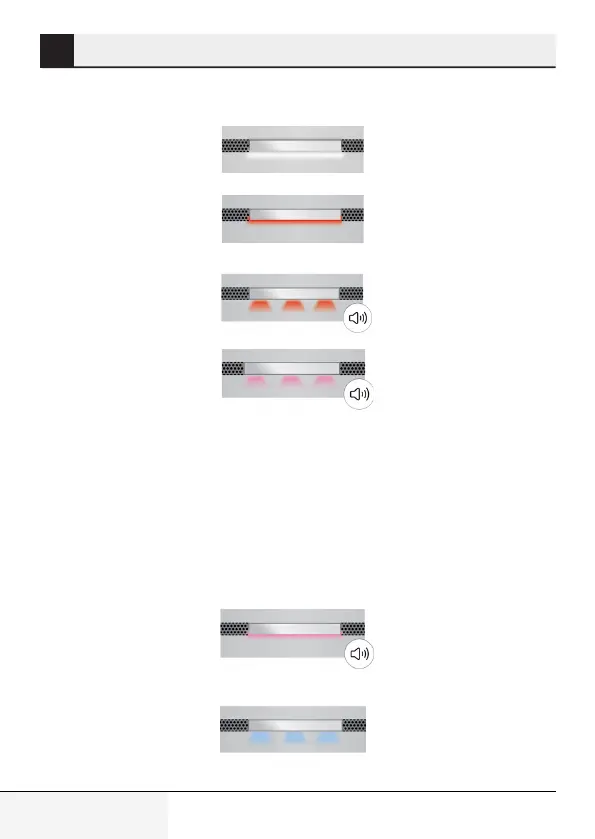
3.5 Notfcatons
Cookng
(steady red lght)
Take out the pot from
ts seat.
Please wat
(Do not take the pot
from ts seat)
Take out the coffee makng
(cookng) pot from ts seat.
Use a damp cloth to clean the
base of the cookng (coffee-
makng) pot, heatng surface
(make sure that the hea-
tng surface s cold) and the
sensor glass.
When the lght turns steady
whte, you can start another
coffee-makng process.
Contact servce f the error
occurs agan.
Swtch off and on the
applance. Contact
servce f the error
occurs agan.
Fll the water pot
wth water up
to the max. level.
Cookng s complete
(blnkng red lght)
Cookng error
(flashng pnk lght)
Tme-out error
(steady pnk lght)
No water
(flashng blue lght)
Product s ready
to be made
(steady whte lght)



 To Next Page