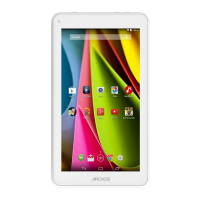
ARCHOS 70 User Guide
http://www.archos.com/manuals/A70_EN_v1.1.htm[2/24/2011 3:19:12 PM]
- Turn off the device and wait 10 seconds.
- Press and hold the volume + button while powering on the device.
- Keep the volume + pressed until the Recovery mode starts (white screen).
- To move from one option to another, use the volume buttons. To select an option, press the ON/OFF button.
20.3.2. RECOVERY MODE OPTIONS
No: Cancels the system recovery.
Update firmware: Allows you to connect your device to a computer in order to copy the latest .AOS file (operating
system) to your device and then install it.
Repair System: Attempts to repair the file structure on the internal memory. This does not erase any data.
No: Return to main recovery screen.
Force Touchscreen Calibration: Select this, set your device down, start the calibration, and don't touch it. It will
re-calibrate the screen. After the calibration is complete, select No to leave the recovery screen.
Check Disk: Check and repair the system partition if damaged.
Start USB MSC: Allows you to connect your device to a PC to access the internal memory.
Format System: Formats the internal memory. All data (music, photos, videos, etc.), applications and settings are
erased.
21. ACCESSORIES AND PLUG-INS
21.1. USB Host cable
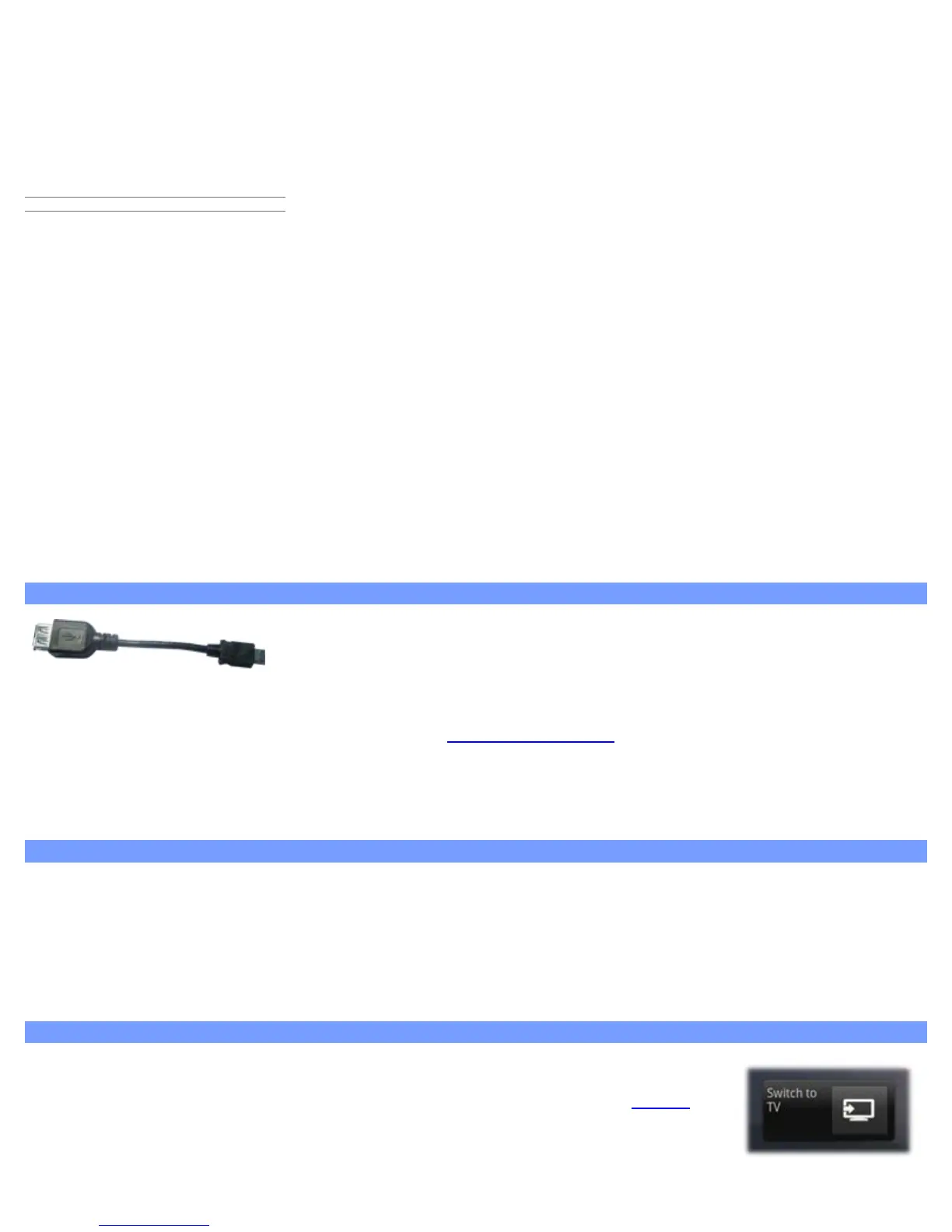
This cable will allow your ARCHOS to have a full-sized USB Host port. That is, you
can connect a camera, a USB stick, a USB memory card reader, a mouse, a
keyboard, a combination mouse/keyboard, or a powered hard drive to your
ARCHOS*. By using this cable, your ARCHOS can download all the photos from your camera directly, without having
to transfer the photos to your computer first. See the
ARCHOS on-line store to purchase this micro USB-B to USB-A
host cable.
* Some standard USB devices may not function if they consume too much power.
21.2. Cinema Plug-in
The out-of-box video playback capability of the ARCHOS is about the best on the market. However, it does not come
with MPEG-2 video playback capabilities. You can purchase a software plug-in from the ARCHOS on-line store which
will allow your ARCHOS to play these files. This allows your device to play VOB, TS, PS video streams as well as AC3
audio.
21.3. Mini-HDMI to Standard-HDMI male/male cable
This Audio/Video cable plugs into the ARCHOS to allow it to play
video out to a television. Use the Switch to TV widget (
go here to
install the widget if it is not already on one of the home screens) to
switch from watching on the built-in screen to watching on a



 To Next Page