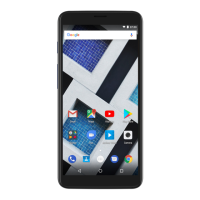
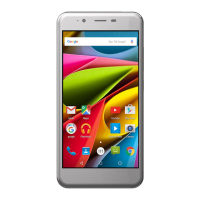
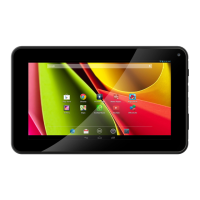
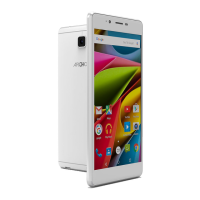
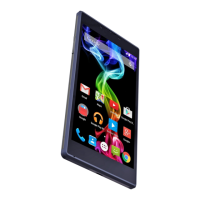
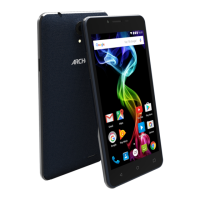
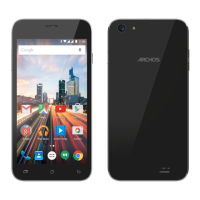
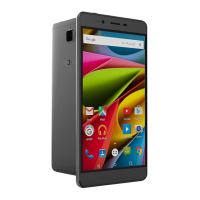
Cobalt Series
If you failed to access to the recovery
menu, please start again from the
beginning.
a. Select "Wipe data/factory reset" and validate to restore your device
to its default settings.
b. Select "Yes -- delete all user data" and validate to remove all the
user data.
c. Select "Reboot system now" and validate to reboot the device.
Unique solution ID: #1894
Author: Admin FAQ
Last update: 2016-02-19 11:27
PoweredbyTCPDF(www.tcpdf.org)
Page 2 / 2
(c) 2024 ARCHOS <noreply@archos.com> | 2024-04-21 19:09
URL: http://faq.archos.com//index.php?action=artikel&cat=31&id=472&artlang=en


 To Previous Page
 Loading...