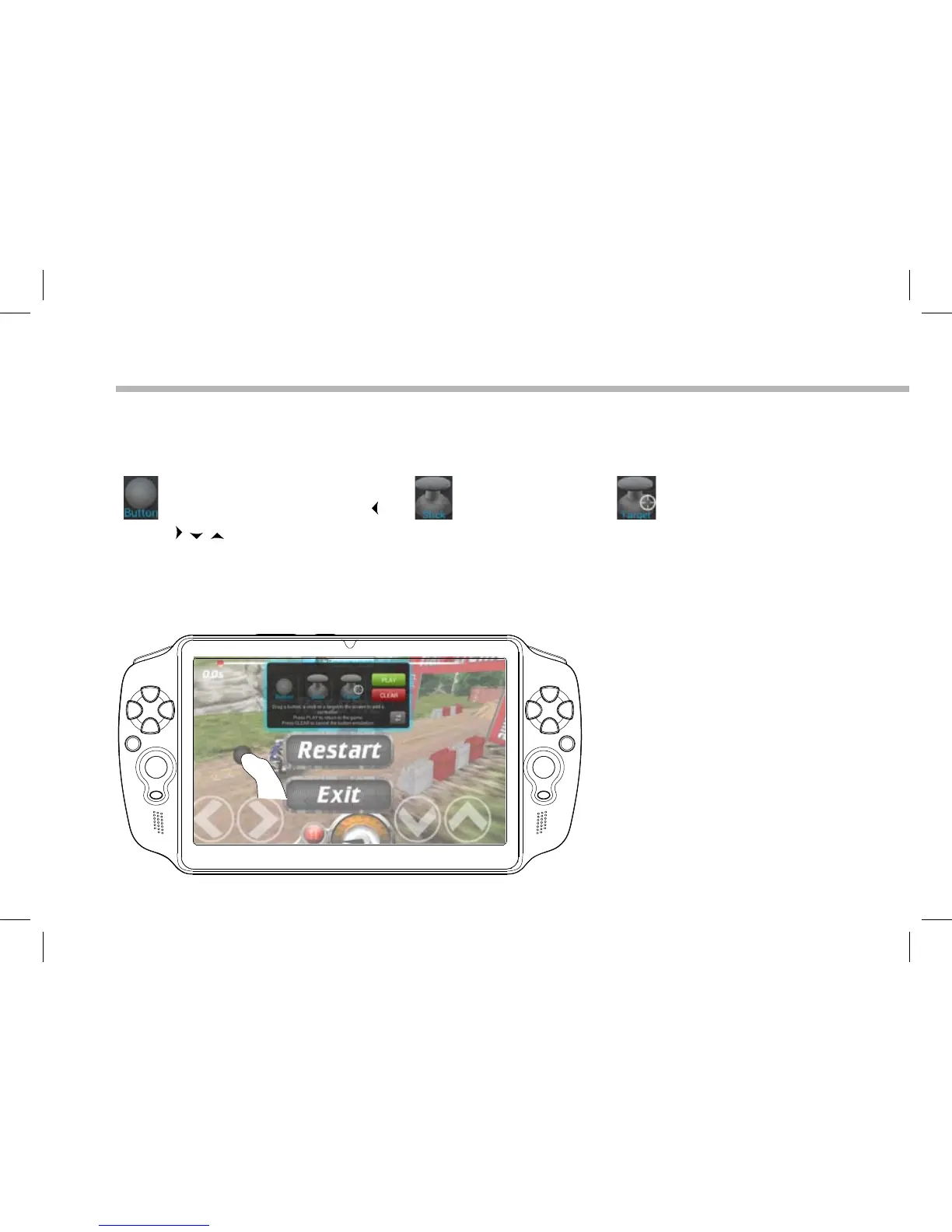
Positioning a mapping control
Hold and drag a type of mapping control to the desired virtual button.
Button
It is for the directional pad
, , , , the X, Y, B, A, buttons
and the L1, R1, L2, R2, Start,
Select buttons.
Stick
It is for the analog
directional sticks.
Target
It is for analog stick
targetting. It is placed
normally in the central
area of the screen on
shooting games.
There are three types of mapping control


 To Next Page