Getting Started
Charging
Charge your device by plugging your power cable into the micro-USB port.
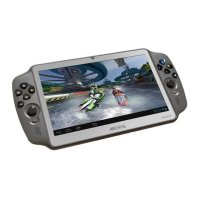
The GamePad will turn on and start charging.
The charging indicator is red when the battery is charging.
The charging indicator becomes orange when the battery is charged.
You can use your GamePad whilst it charges.
TIPS:
- Let your device charge completely the first time you use it.
- Use only the supplied charger.
- To receive more complete service, please register your product on www.archos.com/register.


 To Next Page