25/29
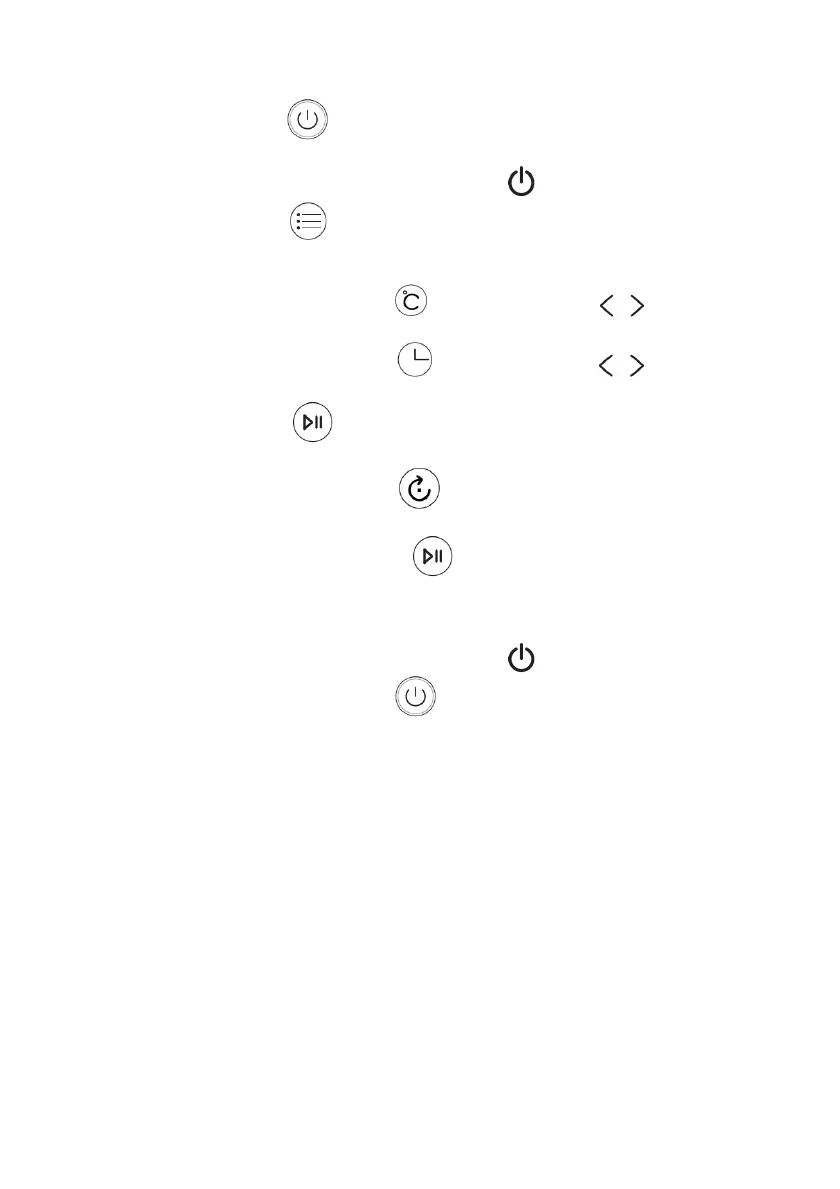
- Press the button to turn on the display;
o Note: If no button is pressed within 30 seconds, the display
turns off, and the indicator light flashes.
- Press the button to choose a preset function (F-1 to F7) or custom
function (DIY)
If the DIY function has been selected:
o Press the button and use the buttons to set the
temperature;
o Press the button and use the buttons to set the
cooking time;
- Press the button to start cooking. The interior light will turn on.
During cooking:
o Press the button to activate or deactivate rotation of
the rotisserie (13) or the rotating basket (15);
o Press the button to interrupt temporarily cooking;
press it again within 30 seconds to resume cooking or set a
new program;
Note: If no button is pressed within 30 seconds, the display
turns off, and the indicator light flashes
o Press the button to stop cooking
- At the end of the program, the appliance emits a "BEEP" 5 times, and
the display will turn off.
The fan will remain active for approximately 30 seconds.
- After use, disconnect the plug from the power outlet.
Note:
- You can open the Air Fryer door at any time to check the progress of the
dish.
- Consult the tables in this manual to determine the correct settings.
Suggestions:
- Smaller-sized foods usually require a slightly shorter cooking time than
larger ones.
- Large quantities of food require a slightly longer cooking time than
smaller doses.


 To Next Page