19
SUPPORT ASSEMBLY
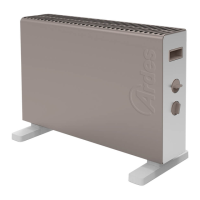
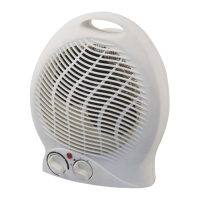
Turn the appliance over, rest the plastic supports in place matching
theholeswiththoseontheappliance.Thenxthesupportswiththe2
screwsprovided.
Beforeconnecting or disconnecting theappliance, make sure that the
function switch (3) is in the OFF position.
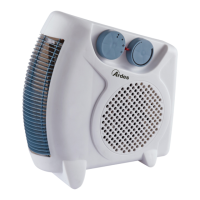
To turn the appliance on, insert the plug in the power outlet, set the
function switch (3) in the desired position and turn the temperature switch
(2) clockwise to the maximum position.
Oncethedesiredroomtemperatureisreached,turnthehandleslowly,in
acounterclockwisedirection,untiltheapplianceisturnedo.
Atthispoint,theproductwillautomaticallyrestartwhenthetemperature
in the room goes below the set limit.
Beforereplacingtheapplianceinitspackage,makesureithascooled
suciently.
GBInstructions for use
This appliance does not require any special maintenance.
Disconnect the plug from the socket and let the appliance cool down well
before cleaning it.
Inordertocleantheappliance,useasoftorslightdampcloth.
Neveruseabrasivesorchemicalsolvents.
Donotuseverywetsubstances,liquidsorclothstopreventwaterfrom
entering into the apparatus and irreparably damaging it.
NEVER IMMERSE THE APPLIANCE INTO THE WATER.
GBMaintenance


 To Next Page