17
GBTechnical informations
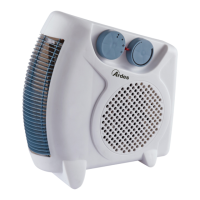
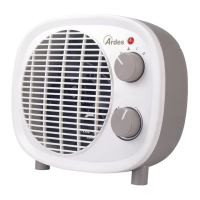
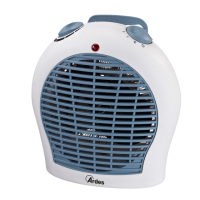
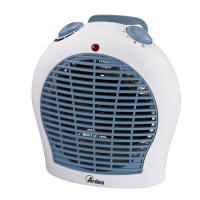
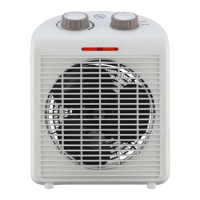
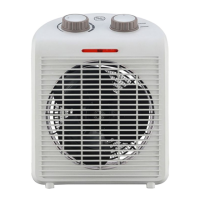
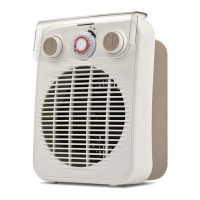
1 - Handle
2 - Function switch
3 - Adjustable thermostat
4 - Operating indicator light
Technical data indicated on the appliance.
The appliance can emit both cold air and hot air depending upon the
function selected by means of the function switch. Make sure that the
function switch is in the OFF position before connecting
or disconnecting the appliance.
To turn the appliance on, insert the plug in the power outlet, set the
operation switch in the desired position and turn the temperature switch
clockwise to the maximum position.
Oncethedesiredroomtemperatureisreached,turnthehandleslowly,in
acounterclockwisedirection,untiltheapplianceisturnedo.
Atthispoint,theproductwillautomaticallyrestartwhenthetemperature
in the room goes below the set limit.
The indicator light indicates that the appliance is operating and will switch
owhentheadjustablethermostatisactivated.
GB
Instructions for use
GB
Maintenance
This appliance does not require any special maintenance.
Disconnect the plug from the socket and let the appliance cool down well
before cleaning it.
Inordertocleantheappliance,useasoftorslightdampcloth.
Neveruseabrasivesorchemicalsolvents.
Donotuseverywetsubstances,liquidsorclothstopreventwaterfrom
entering into the apparatus and irreparably damaging it.
NEVER IMMERSE THE APPLIANCE INTO THE WATER.
Dust inside the appliance
Useavacuumcleaneronthebackgrid.



 To Next Page