13
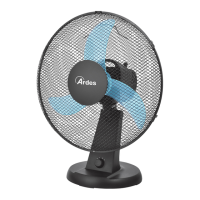
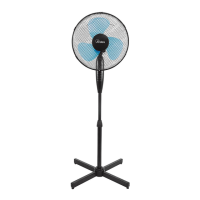
Place the fan on a at, dry and stable surface, and insert the plug of the
fan in a socket. Select the desired speed by pressing the buttons on the
control panel (10):
0 = o 1 = minimum speed 2 = medium speed 3 = maximum speed
OSCILLATION:
For the automatic oscillation from right to left press the knob (8) placed
on top of the motor. To disable it, pull up the knob.
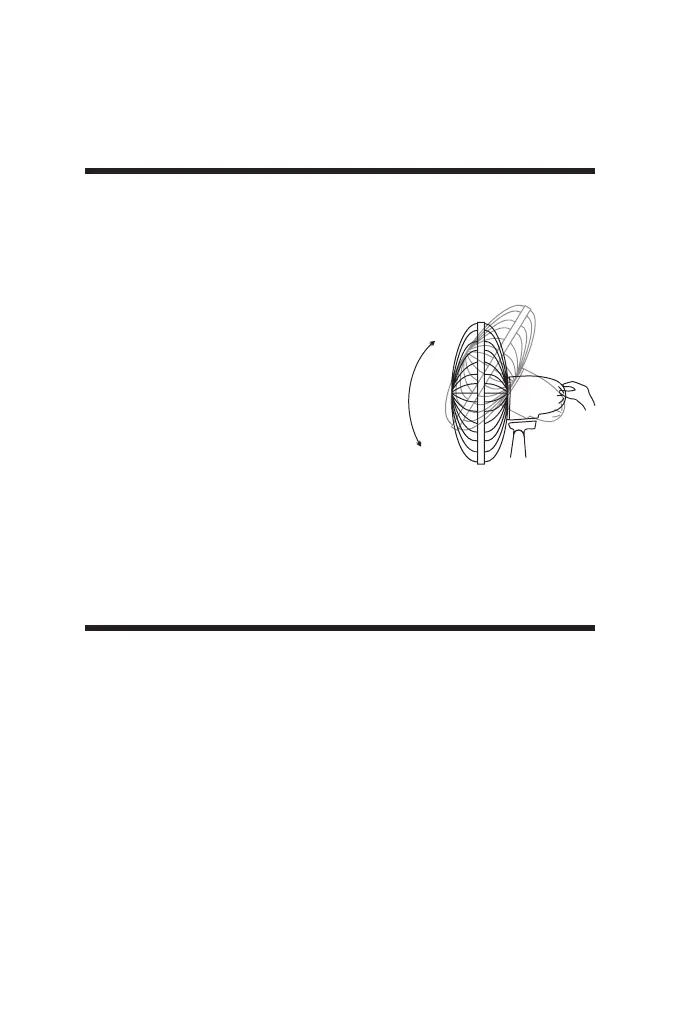
VERTICAL SLOPE:
You can vertically point the front of the fan
choosing the desired angle. It is sucient
to move the front of the fan up or down
according to the desired slope.
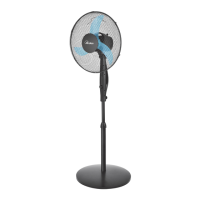
ADJUSTMENT HEIGHT
Loosen the height adjustment knob (14),
then set the desired height for the fan. Tighten rmly the knob after
adjusting the rod.
N.B: this operation must always be carried out while the fan is
turned o.
INSTRUCTIONS FOR USE
Before carrying out the regular cleaning operations turn o the fan
and unplug it.
Ensure that the fan is switched o from the supply mains before
removing the guard.
For external cleaning use a soft and dry cloth.
DO NOT dip the device in water, or splash it with any other liquids.
DO NOT use solvents or any other chemical products for cleaning it.
Reinstall the guard after cleaning and before connecting the plug
tot he mains.
When you do not use it, after cleaning it, store the fan in a dry place.
MAINTENANCE


 To Next Page