Constant blue/slow flashing
Working properly/ WiFi Connection succeeded
Waiting to connect/ WiFi is not configured
Network abnormal/ WiFi connection failed
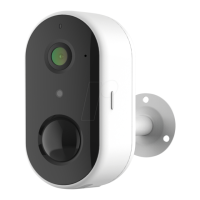
Charge camera
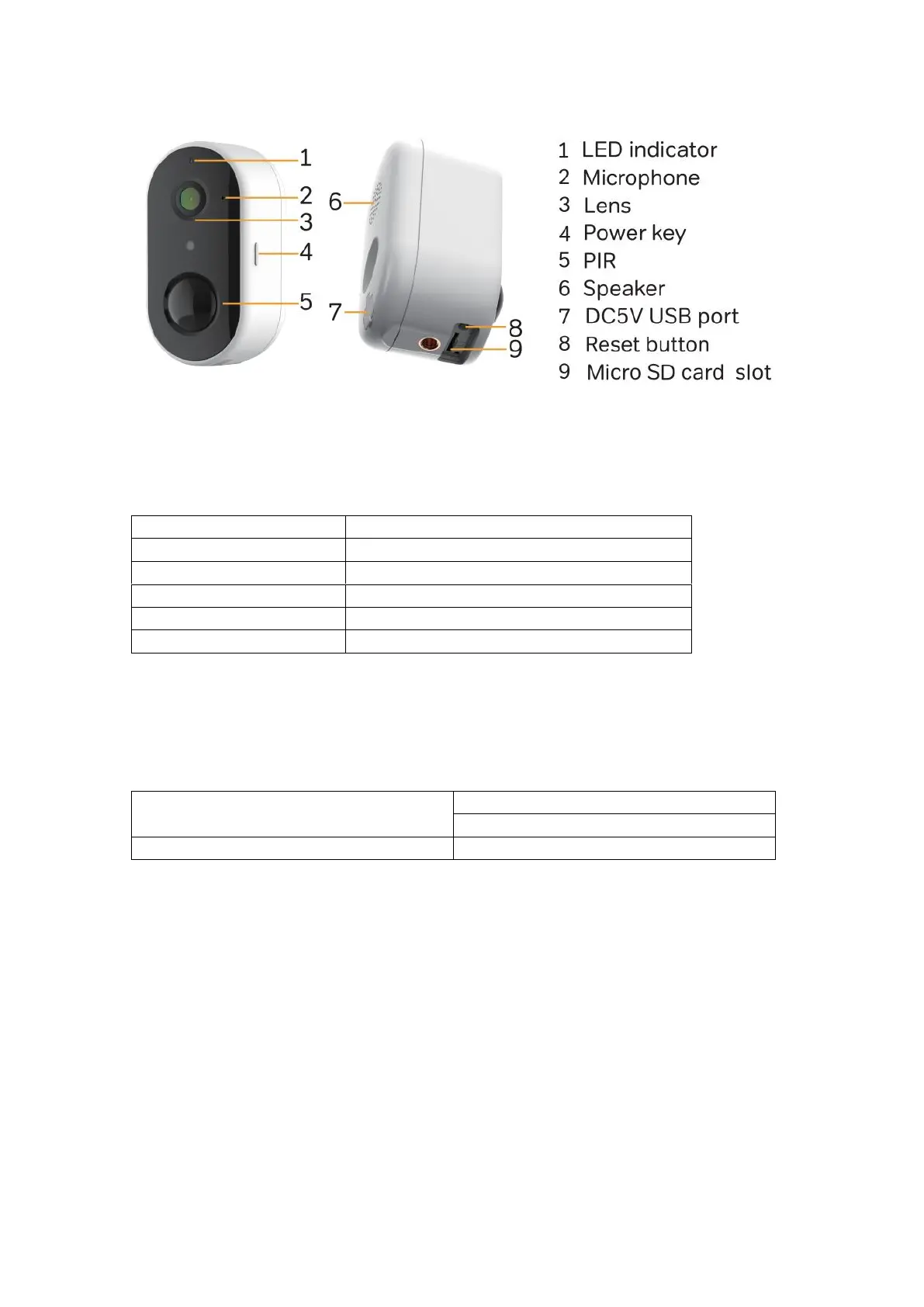
Take off the rubber, plug in the Micro-USB charge the camera.
Fully charge it before mounting the doorbell at your front door.
Constant red: camera in charging
Constant blue: camera fully charged
Notices: The battery life varies depending on usage. In most common cases, a camera
may have up to 10 events per day and each recording lasts 20 seconds on average.
Under this scenario, the camera battery life can last 3 to 6 months.
2. Setup and Installation
Set up the Camera
•What you’ll need.
1. Wi-Fi and a working broadband internet connection with at least 2 Mbps upload


 To Next Page