3. Product configuration
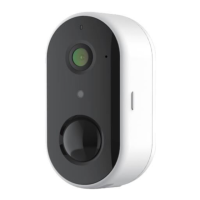
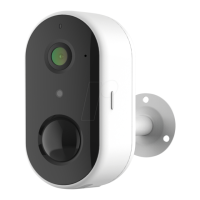
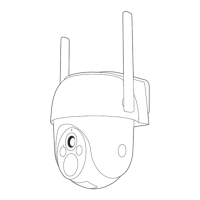
Step 1 Turn on your camera.
Step 2 Connect your smartphone to the Wi-Fi network.
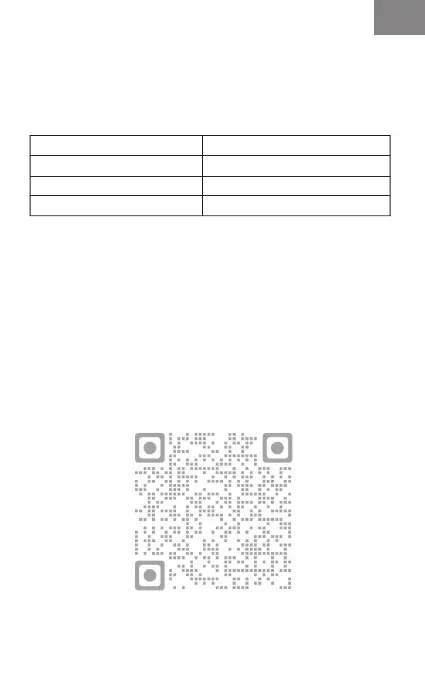
Step 3 Download Arenti app from the App Store or
Google Play depending on your device.
Step 4 Launch the App and sign up for the first use.
Step 5 Follow the on-screen instructions to add your
camera.
Notice
To reset the device, press and hold the reset button for 5s.
The camera beeps when the operation is completed.
LED indicator of camera:
Flashing red light (slow)
Flashing red light (fast)
Fixed red light
Fixed blue light
Wait for network config
Connecting the network
Network is malfunctional
Camera is working correctly
EN
EN


 To Next Page