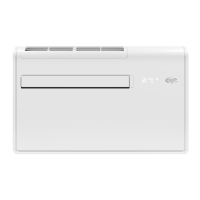
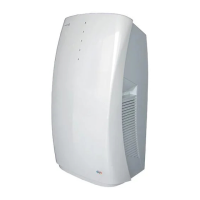
Fan Coil Unit Wall Mounted Type
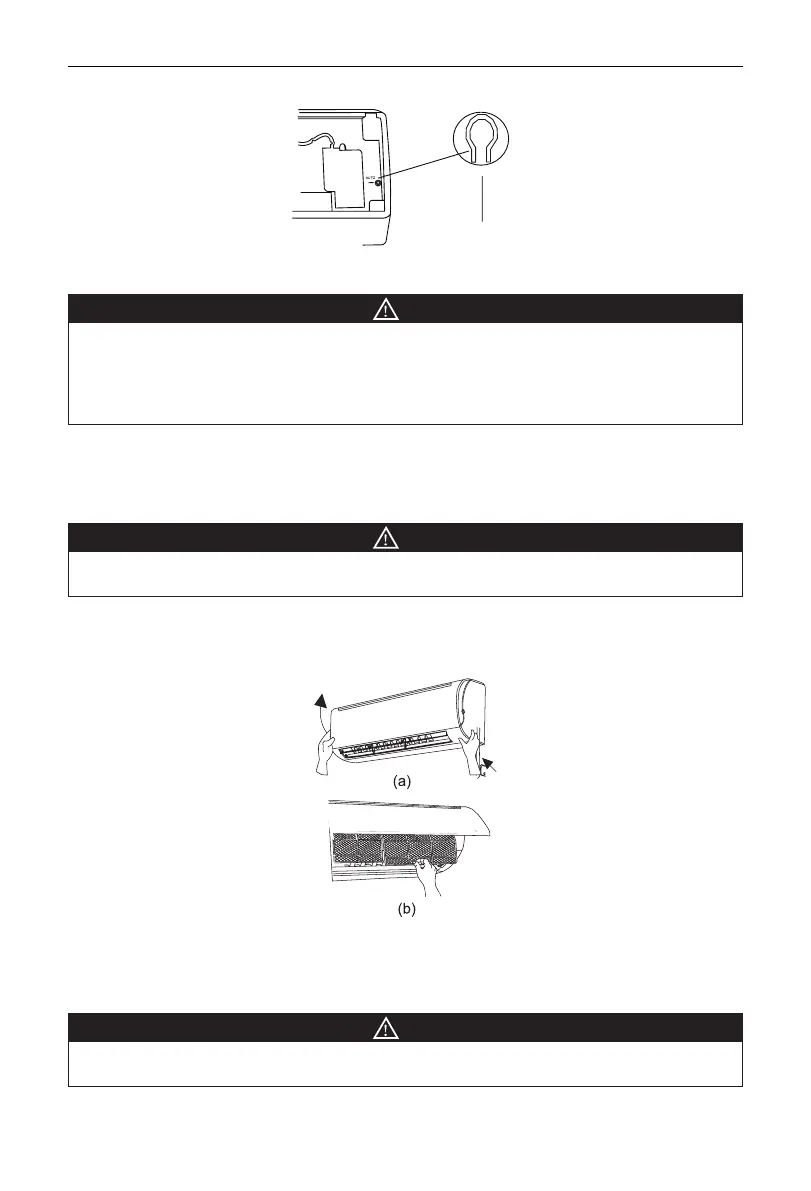
Open the front panel, the manual switch is on the edge as Fig.11.
Manual switch
Fig.11
3.4.2 Care and Cleaning
NOTE
•
Turn power off and pull out the power plug before cleaning air conditioner, or it may cause electric
shock.
•
Never sprinkle water on the unit for cleaning because it can cause an electric shock.
•
Volatile liquid (e.g. thinner or gasoline) will damage the air conditioner. (So wipe the units with a dry
soft cloth, or a cloth slightly moistened with water or cleanser.)
(1) Cleaning the front panel
When cleaning the front panel, please dip the cloth into the water temperature of 45°C below, then to
dry the cloth and wipe the dirty part.
(2) Cleaning the air tler (Recommended once every three months)
NOTE
If dust is much more around the air conditioner, the air lters should be cleaned many times. After
taking off the lter, don't touch the n of the unit, in order to avoid hurt your ngers.
y
Take down the air lter
At the slot of surface panel to open an angle, pull the air lter downward and take it out, please see the
Fig. 12(a, b).
Fig.12
y
Clean the air lter
To clean the dust adhering to the lters, you can either use a vacuum cleaner, or wash them with warm
water the water with the neutral detergent (below 45°C) , and dry it in the shade.
NOTE
Never use water above 45°C to clean, or it can cause deformation or discoloration. Never parch it by
re, or can cause a re or deformation.



 To Next Page