19
V 11/19
Ventilation Mode: this fan has 3 ventilation modes Normal, Natural and Sleep.
Symbol : Mode selection
Pressing 1 time: to select Timer: press + and – to set the ventilation time of product
Pressing 2 times: the unit starts working in Natural mode: press + and – to select ventilation speed
Pressing 3 times: the unit starts working in Sleep mode: press + and – to select ventilation speed
Pressing 4 times: return on Normal mode
- Normal: The fan for the first time start in Normal mode, press + and – to set the ventilation speed from 1 to 9 based on
desired speed level.
To switch from Normal mode to the next mode press again
-Natural: It’s the next mode after Normal (LED light it’s on the panel) press + and – to select the ventilation speed from F1
to F9
To switch from Natural mode to the next mode press again
- Sleep: it’s the next mode after Natural (LED light it’s on the panel) press + and – to select the ventilation speed from P1
to P9
Horizontal oscillation button : After power on press this button to start the oscillation button. Press this button
again to turn off the oscillation.
Auto Panel Turn off function: when there is any operation on fan automatically within1 minute the panel turns off,
only red LED on ON/OFF button it’s on. Press any button on the panel to make the panel reappear.
Auto Turn off function: when there is no more operation (as well as no remote control commands) the fan wil be shut
down automatically after 12 hours.
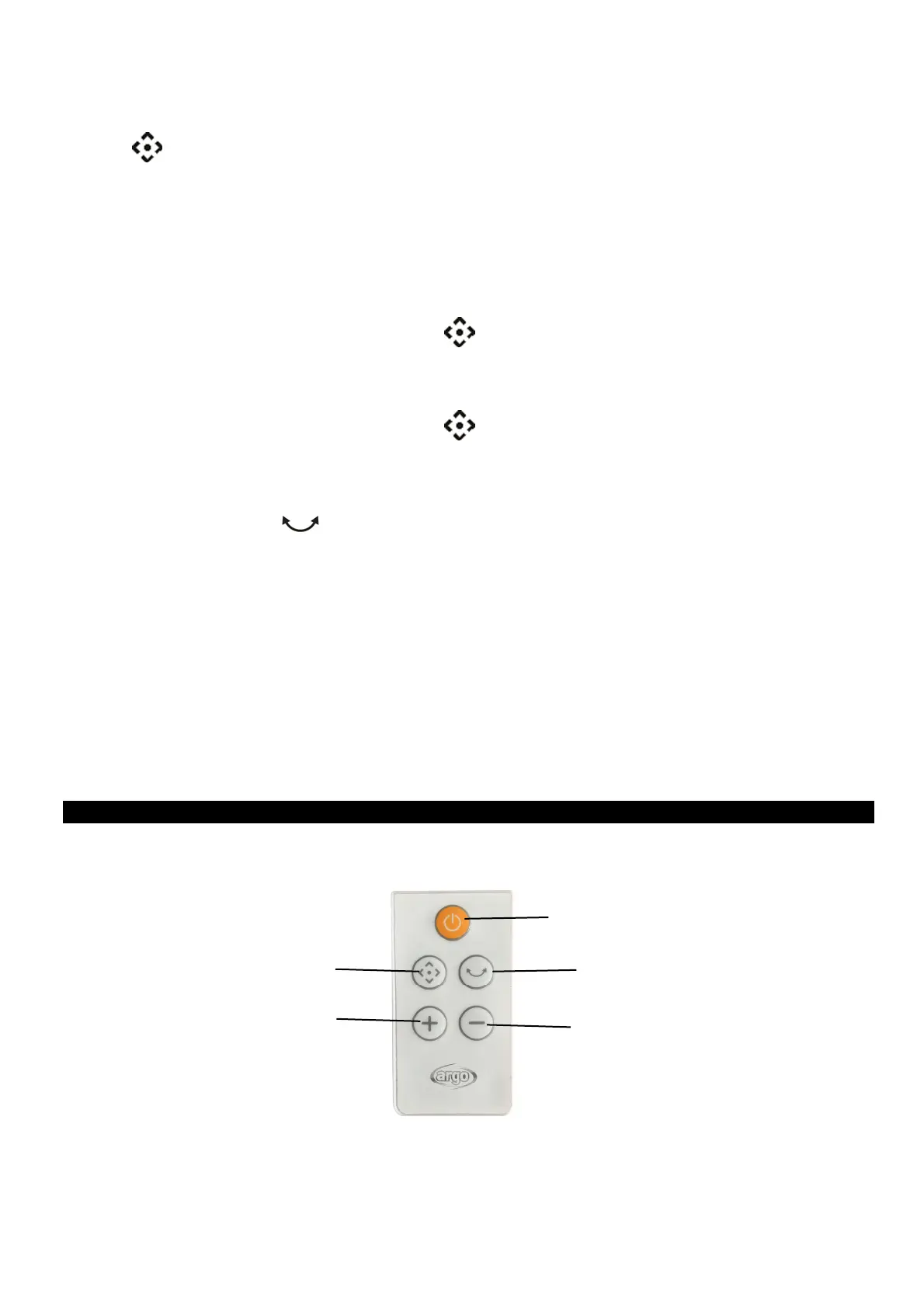
Remote control function: The buttons on the remote control are corresponding with the main body functions.
Memory function: in case of black-out or power suppy disconnection, when the unit restarts keep the previous settings as
set.
REMOTE CONTROL
ON/OFF Button
Oscillation Button
Button -
Mode Button
Button +



 To Next Page